1
1.1
GENERATE THE STRUCTURAL MODEL
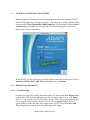
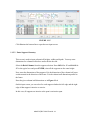
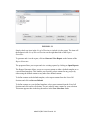
When the program is launched from the desktop shortcut or from the computer START
menu, the opening screen will appear as below. This screen gives you the option to select
a design mode of Post-Tensioned or Mild Reinforced. For this tutorial, select the PostTensioned option and OK. This will open the PT mode of the program where the PT
input forms are active and loaded.
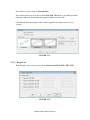
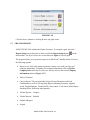
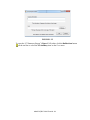
In the ADAPT-PT 2015 input screen, click the Options menu and set the Default Code as
American-ACI318 (2011) / IBC 2012 and Default Units as American.
1.1.1
Edit the Project Information
1.1.1.1 General Settings
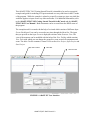
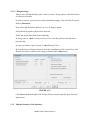
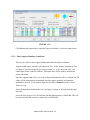
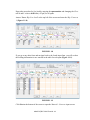
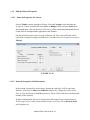
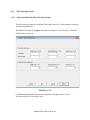
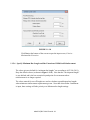
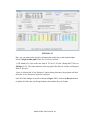
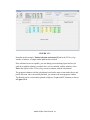
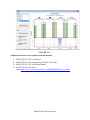
Open the new project by clicking either New on the File menu or the New Project button
on the toolbar. This automatically opens the General Settings input screen, as in Figure
1.1-1. You can enter the General Title and /or Specific Title of the project in that window.
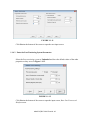
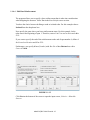
For the purpose of this tutorial, enter the General Title as Support Line 2. This will
appear at the top of the first page of the output. Enter Specific Title as Two Way Slab.
This will appear at the top of each subsequent page of the output.
ADAPT-PT/RC® 2015-Tutorial- 7