1
Section 3: Basic Installation
Using ARP in
Windows and OS/2
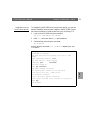
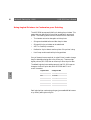
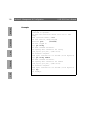
Follow the instructions below to set the IP address using ARP:
1. Start a DOS window.
arp -s <IP address> <Ethernet address>
ping <IP address>
arp -d <IP address>
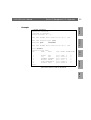
Example
arp -s 192.168.3.191 00-40-8c-10-00-86
ping 192.168.3.191
arp -d 192.168.3.191
OS/2
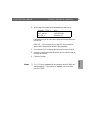
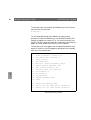
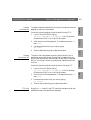
The host will return Reply from 192.168.3.191 ... or a
similar message. This indicates that the address has been set and that
communication is established.
Notes:
Macintosh
AXIS 5600 User’s Manual
2. Type the following commands:
Windows
NetWare
30
❏ When using the Windows 95 implementation of ARP, change the
first line to:
arp -s <IP address> <Ethernet address> <w95host IP
address>, where <w95host IP address> is the IP address of
your Windows 95 host.
UNIX
❏ When you execute the ping command for the first time, you will
experience a significantly longer response time than is usual.
❏ By using the arp -d command, the static entry in the arp table is
removed from the host’s cache memory.