1
PRIMAR Chart Catalogue User Manual
4.4 PRIMAR Online – ENC updating service for licensees
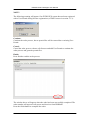
4.4.1 How to update ENC portfolio using PRIMAR Online e-mail notification
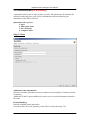
Sign up as a valid user:
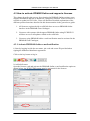
Before you can start using this service you have to get your distributor to sign you up
as a valid user. If PRIMAR Online e-mail notification has not been activated, and email address is not set in the licensee card the user will not receive the service.
When the service is activated the licensee will receive an e-mail including a link to a
web page where a full ENC data set, an update ENC data set and permit files for the
licensee will be available for download;
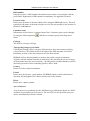
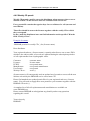
Dear
“LICEENSEE”
ENC updates and belonging permits, according to your ENC license are
now available.
Please use the following link to enter web page for download:
https://services.ecc.as/_qastable/vexport/37c28a22-5807-491d-a206662b7378ed5a
Your ENC distributor “NAME OF DISTRIBUTOR”
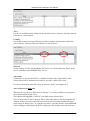
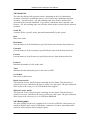
How to process:
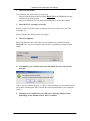
1.
2.
3.
4.
5.
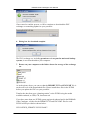
Choose the link received in the e-mail
Decide which dataset to download
Download the zipped file (update or full)
Unzip the file
Transfer the dataset and the permit files to your ECDIS/ECS
ECDIS/ECS
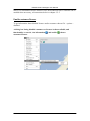
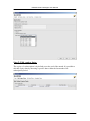
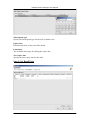
4.4.2 How to update ENC portfolio by using PRIMAR Online in the PRIMAR
Chart Catalogue
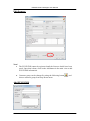
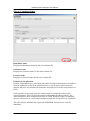
NOTE (local cache):
First time a file is downloaded using this service it will be stored both in ENC Root
and Cache Root. Second time this file is needed in an exchange set, the local version
in Cache Root will be copied to ENC Root.
Cache Root must point to a folder with at least 2 GB of free disk space. The files in
this folder shall not be used directly by end user, only as a local storage for the Chart
Catalogue application itself. The files will be stored with cryptic filenames to avoid
ECC A/S 2012
50