1
Agilaire AirVision Manual
Chapter 4 Data Editors
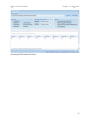
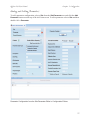
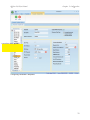
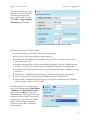
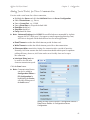
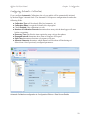
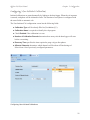
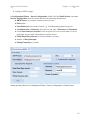
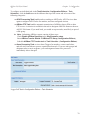
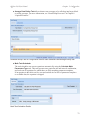
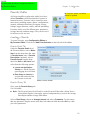
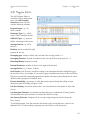
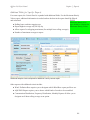
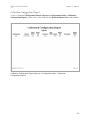
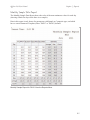
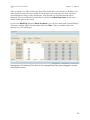
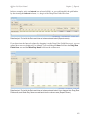
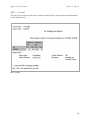
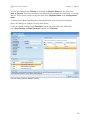
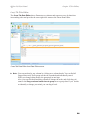
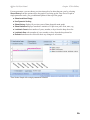
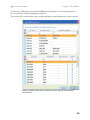
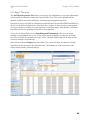
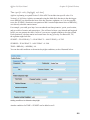
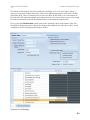
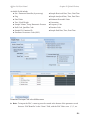
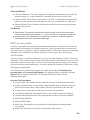
The changes depending on the modes set on the right part of the ribbon:
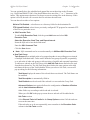
Adjust for Span-Deselect this if you only want to do a zero correction.
Sliding Scale- If span correction is adjusted, you may optionally choose to have the slope factor
linearly interpolated between each cal (e.g., if the slope correction on cal#1 is 1.1, and the slope
correction on cal #2 is 1.05, then the hourly data at the midpoint would have a slope correction
of 1.075, the hour closest to cal#1 would be 1.1, the hour closest to cal#2 is 1.05, etc).
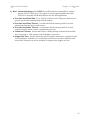
Appy Forward- If selected, cal corrections are applied using the calibration results going forward
in time (default). If de-selected, corrections are applied going backwards from each calibration.
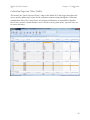
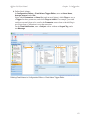
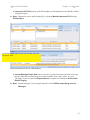
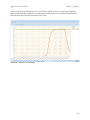
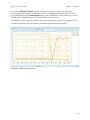
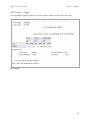
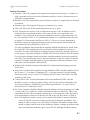
If you change the mode, you will need to select the "Analyze" button again to see the new
proposed changes.
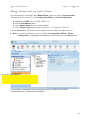
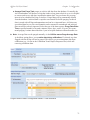
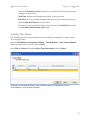
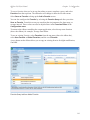
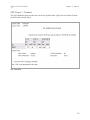
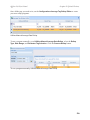
Once you are satisfied, you may click the "Apply" button to make the changes to the database.
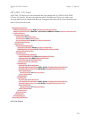
Any data changed will be marked with the 'z' (Cal Adjusted) data flag, and the data is locked
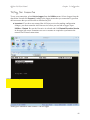
from second calibration adjustments. If the user wishes to return to original, the user can use the
Batch Edit function in the Average Data Editor to return the data to original form.
182