1
ARRIVING ON SITE
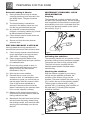
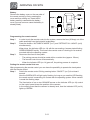
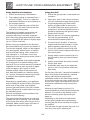
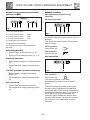
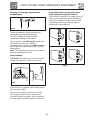
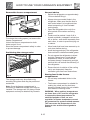
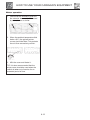
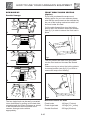
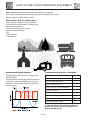
Setting the zero point
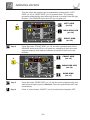
Step 1
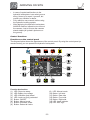
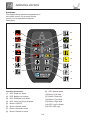
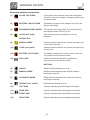
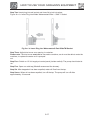
Press 1x on the button “ON/OFF” (no.5) to switch OFF the levelsystem after manual
levelling.
Step 2
Press 1x on the button “ON/OFF” (no.5) to switch the levelsystem ON.
Step 3
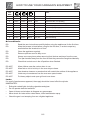
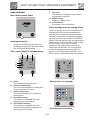
Press 5x on the button “FRONT SIDE” (no.12)
Step 4
Press 5x on the button “REAR SIDE” (no.11)
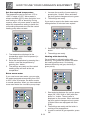
All LED’s on the control panel light up. (the vehicle stands in zero mode)
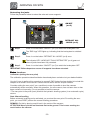
Step 5
Press 3x on the button “RETRACT ALL JACKS” (no.8)
The zero point is programmed.
Step 6
Press 1x on the button “ON/OFF” (no.5) to switch the levelsystem OFF.
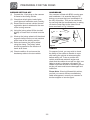
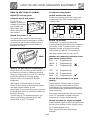
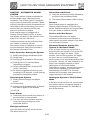
Remote control (optional)
Preface
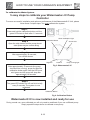
The procedure described below has already been carried out at your dealer/installer.
Consider programming (setting) the remote control as a condition to make it possible to level the
caravan automatically and/or manually. When this operation, for some reason, has not been
done or has been carried out incorrectly, it is not possible to level the caravan with the remote
control.
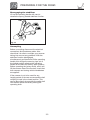
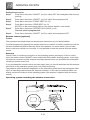
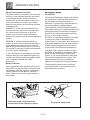
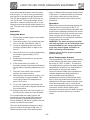
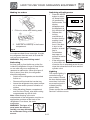
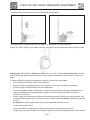
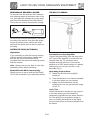
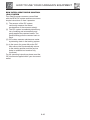
Antenna
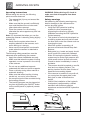
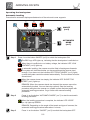
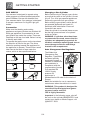
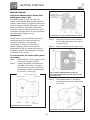
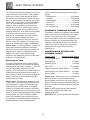
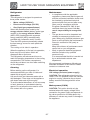
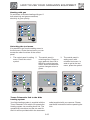
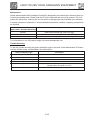
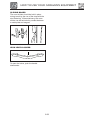
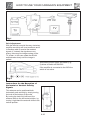
Check if there is a antenna connection on the operating system (see below). If this is not the
case, the remote control CANNOT communicate with the hydraulic levelling system. In principle,
the antenna connector and the antenna are always present when you purchase the levelsystem
including a remote control unit.
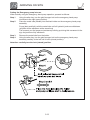
If you purchased the remote control at a later stage, then you should remember that this antenna
connection on the operating system (main unit) could be missing.
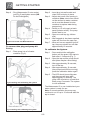
The presence of the antenna is dependent on the acquisition period the of the levelsystem. After
2013, all operating systems have this antenna connector. In this case, the dealer/installer can
directly connect the antenna to the operating system (the antenna is supplied with the remote
control)
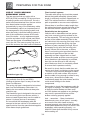
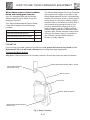
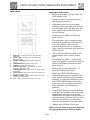
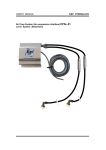
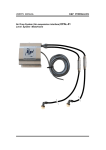
Operating system including the antenna connection
5-10