1
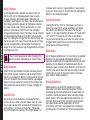
Switching On
Key Shortcuts in Home Screen
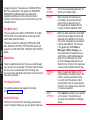
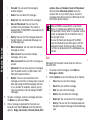
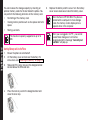
Press and Hold the Power ON/OFF key for 2 seconds to
Power ON the phone.
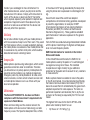
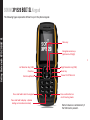
The following shortcuts can be accessed from the home
screen.
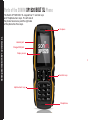
Getting Started with XXP1520 BOLT SL BOLT SL
When the phone is switched on, it tries to register with
the network. After successful registration, the name of
the service provider is displayed.
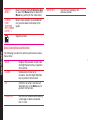
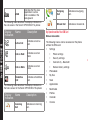
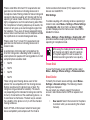
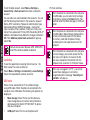
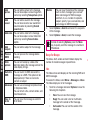
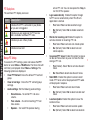
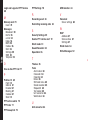
Press
To Access
Menu Key
Main menu
Left Selection Key
Main menu
Right Selection Key
Contacts
Call/Accept/Send Key
All calls list
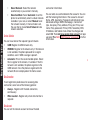
Up Arrow
Calendar
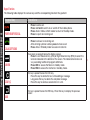
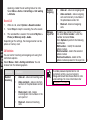
Display icons
Down Arrow
Profiles
Battery charge
indicator
Left Arrow
Messages
Right Arrow
Browser
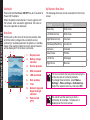
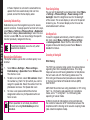
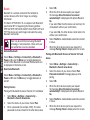
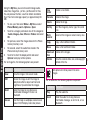
Home Screen
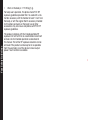
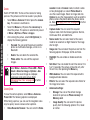
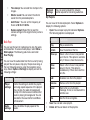
Details such as the name of the service provider, date
and time, battery charge status, and data service
connectivity are displayed when the phone is in standby
mode. Other optional indicators alarm and call forward
will be displayed, if the feature is activated.
9
1
8
2
7
3
6
5
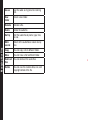
1.
2.
3.
Service provider
4.
RSK command
5.
LSK command
6.
Date and day
7.
Time
8.
Network type and
Signal strength
indicator
9.
Push-to-talk
(PTT)
4
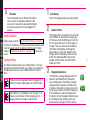
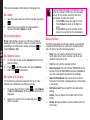
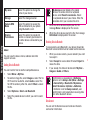
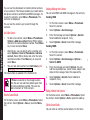
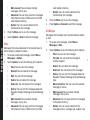
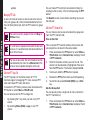
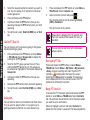
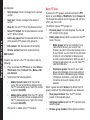
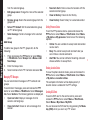
The four functions that are performed using the
arrow keys are set as factory defaults,
To change these functions, select Menu >
Settings > Phone settings > Dedicated key.
Select the required arrow key and select OK.
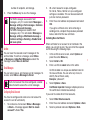
You cannot use the arrow keys when a
notification for example: 1 missed call, is
displayed on the home screen.
21