1
Managing Contacts
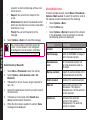
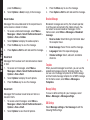
numbers stored in the SIM.
•
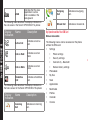
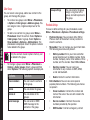
Memory status: You can view the number of
contacts stored in the SIM, phone and number of
groups.
•
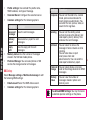
Copy contacts: You can copy all the selected
records from SIM card to phone memory and from
phone memory to SIM card.
•
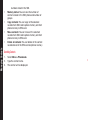
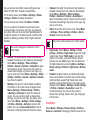
Move contacts: You can move all the selected
records from SIM card to phone memory and from
phone memory to SIM card.
•
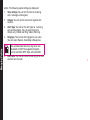
Delete all contacts: You can delete all the contact
records stored in the SIM card and phone memory.
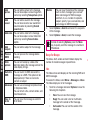
Searching Contacts
1.
Select Menu > Phonebook.
2.
Type the contact name.
3.
The contact will be displayed.
51