1
10.2
Recovery from Firmware Corruption
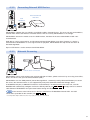
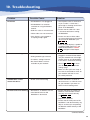
Problem: HD MediaBox becomes unresponsive and doesn’t start.
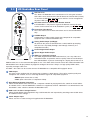
LED lights blue, but the blue
POWER LED turns to green and
LED remains constantly lit and File Browser doesn’t display.
Explanation: This can occur if a firmware upgrade was interrupted or other firmware corruption has occurred.
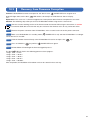
Solution: The following steps allow you to reset HD MediaBox without using the on screen menus.
step 1 Transfer a known working version of the firmware onto the internal HDD using the instructions in section
9.2 or to an external USB device. Ensure that only one version of the firmware exists on any connected drives.
step 2
Remove the power connector from HD MediaBox, wait 5 seconds and re-insert the power connector.
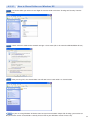
step 3 Make sure HD MediaBox is in standby mode (
connected to a PC via USB.
POWER LED is red) and that HD MediaBox is no longer
step 4
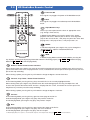
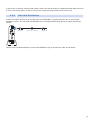
Point the Remote Control directly at the HD MediaBox IR receiver and press the
step 5
Press and hold the
step 6
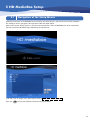
HD MediaBox will now begin the firmware upgrade process.
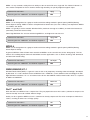
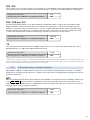
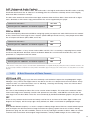
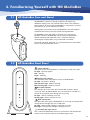
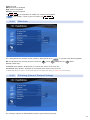
The blue
1 long 1 short
1 long 2 short
1 long 3 short
1 long 4 short
1 long 5 short
key until the
key.
POWER LED turns green.
LED will flash in the following pattern to show progress.
= 0-19%
= 20-39%
= 40-59%
= 60-79%
= 80-100%
After completion, HD MediaBox will shutdown and can be started in the usual way.
62