1
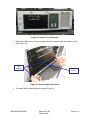
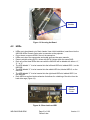
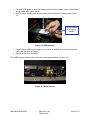
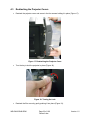
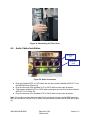
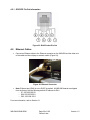
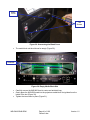
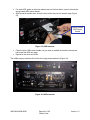
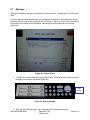
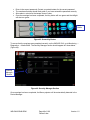
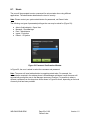
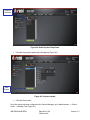
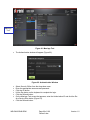
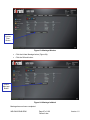
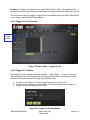
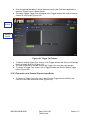
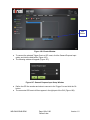
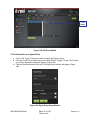
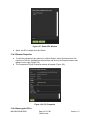
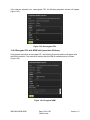
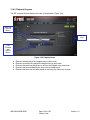
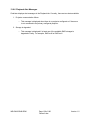
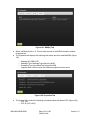
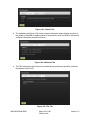
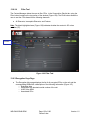
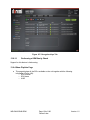
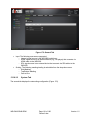
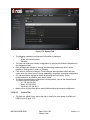
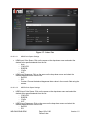
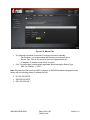
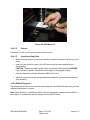
Guiderails Figure 11: Empty Slot Carefully remove IMS1000 from its carton and antistatic bag. Gently place the IMS1000 board into the projectors media block slot guiderails (Figure 12) on the inside of the slot (Figure 11). Figure 12: Missing HDDs Screw in the handles on the side of the IMS1000 board to secure it in the projector (Figure 13). IMS.OM.002949.DRM Page 30 of 196 Doremi Labs Version 1.2