1
Chapter 5.
5.3.3. Privacy Mask
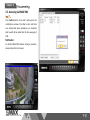
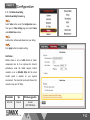
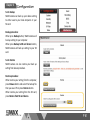
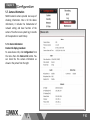
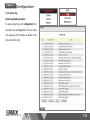
Privacy Mask function allows you to set up to three
privacy mask that covers on your live view screen. It
can be selected as different color with different mask.
Once the mask has been set, the live view screen will
no longer display those selected area.
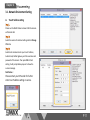
Privacy Mask Setting Procedure:
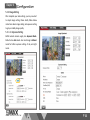
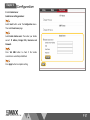
Select Privacy Mask button under the Configuration
menu.
Select Enable Privacy Mask, then select Enable under
Mask 1 column.
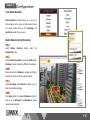
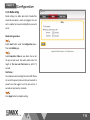
Move and resize the Mask 1 windows and drag to the
place on the screen that you wish to cover.
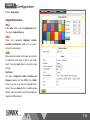
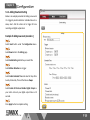
Select mask 1 Filled Color.
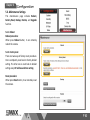
Press Apply button to complete Mask 1 setting. If wish
to set up Mask 2 and Mask 3, please repeat above
procedure.
www.smax.com.tw
P 48