1
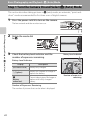
Viewing Images by Date (List by Date)
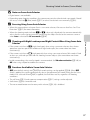
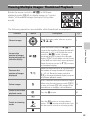
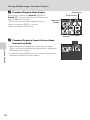
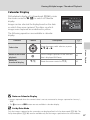
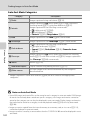
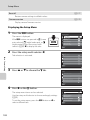
Operations in List by Date Mode
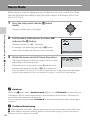
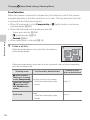
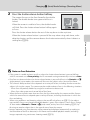
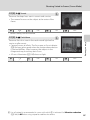
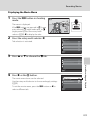
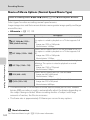
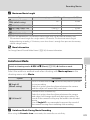
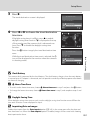
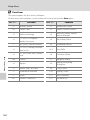
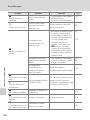
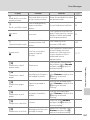
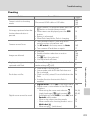
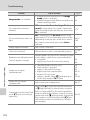
The following operations are available in the list by date screen (A 104 step 3).
Function
Control
A
Description
More on Playback
Select date
Rotate the rotary multi selector, or press H or
I.
Switch to full-frame
playback mode
k
Display images captured on the selected date
in full-frame playback mode.
Rotate the zoom control to f (h) while in
80
full-frame playback mode to return to the list
by date screen.
Delete images
l
Delete all images captured on the selected
date. Choose Yes when the confirmation
dialog is displayed.
29
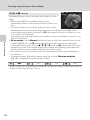
d
Press the d button to display the list by
date menu.
–
View list by date menu
9
c
Press the c button or shutter-release button.
The b (movie-record) button can also be
28
used to switch to shooting mode.
Switch to shooting
mode
b
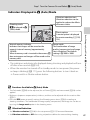
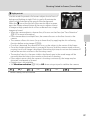
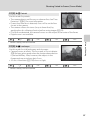
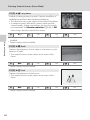
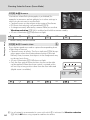
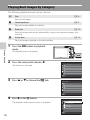
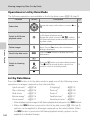
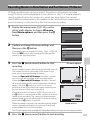
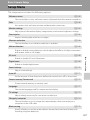
List by Date Menu
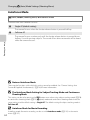
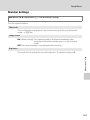
Press the d button in list by date mode to apply one of the following menu
operations to images captured on the selected date.
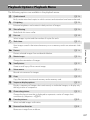
Quick retouch1
Skin softening1
Slide show
Rotate image1
Voice memo1
1
2
106
➝A 124
➝A 126
➝A 113
➝A 116
➝A 117
D-Lighting1
Print set2
Protect2
Small picture1
Favorite pictures1
➝A 125
➝A 109
➝A 114
➝A 127
➝A 92
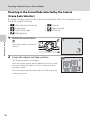
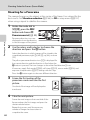
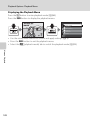
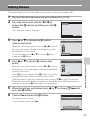
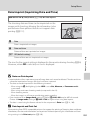
After displaying the image in full-frame playback mode, press the d button.
When the d button is pressed in the list by date screen (A 104 step 3),
options can be applied to all images captured on the selected date. When
the d button is pressed in full-frame playback mode, options can be
applied to individual images.