1
3-16
Using Wave Phone Features
Call Waiting
SIP PHONES
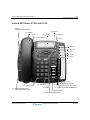
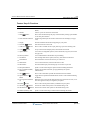
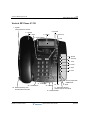
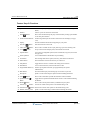
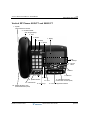
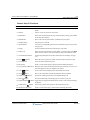
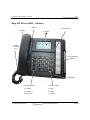
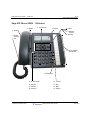
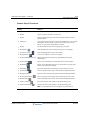
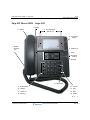
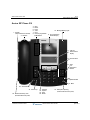
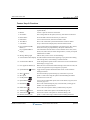
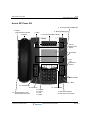
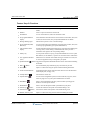
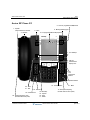
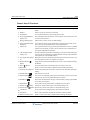
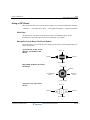
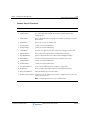
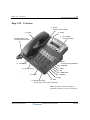
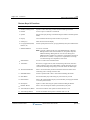
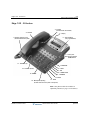
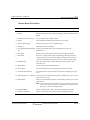
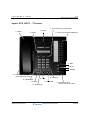
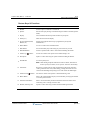
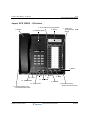
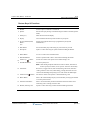
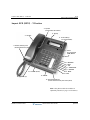
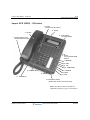
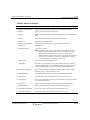
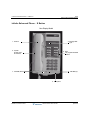
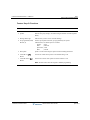
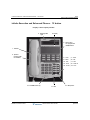
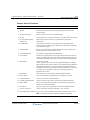
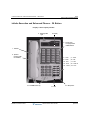
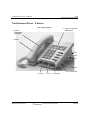
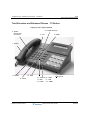
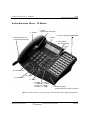
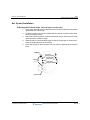
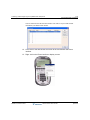
The L2 button on each model serves as the call waiting indicator. Also, models 480i/CT and
9480i/CT has two softkeys: PICKUP and IGNORE.
Pressing the PICKUP sofkey button is equivalent to the L2 button; it will connect you to the new
call (and place the existing call on hold). However, pressing the IGNORE softkey sends the
incoming call directly to voicemail.
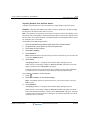
To accept a call waiting call
Press L2 (or the PICKUP softkey on models 480i/CT, 9480i/CT & Aastra Series
5).
The initial call is placed on temporary hold. The corresponding primary line button LED
blinks, and the L2 LED lights (solid).
Hint: Remember, on models 480i/CT, 9480i/CT, and Aastra Series 5 you can also press
Ignore to send the incoming call directly to voicemail.
To reconnect to the initial call
Press your primary line button.
The call that was waiting is placed on temporary hold. The Call Waiting LED flickers,
and the corresponding primary line LED lights.
You can toggle back and forth between the initial call and the call waiting call by pressing
the primary line button and the Call Waiting button. The LEDs and display update to
reflect which caller is connected.
To release the call waiting call
While the Call Waiting call is active, press End Call.
•
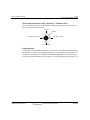
For models 480i/CT, 9480i/CT, and all Aastra Series 5: press Goodbye (
the DROP softkey.
or use
The call waiting call is dropped and you are reconnected to the initial call.
Release 2.0 Service Pack 1
Wave Phone User Guide
April 2011