1
Using VirusBarrier X6 Monitoring Tools
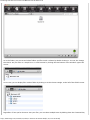
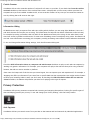
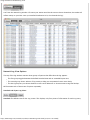
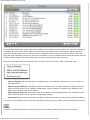
Since the list of ports used by all services can be long, VirusBarrier X6 provides filters to allow you to view ports used
by specific services. You can choose from File Sharing, iPhoto Sharing, iTunes Sharing and Web Sharing by clicking
in the left column, or you can create your own filters.
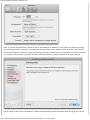
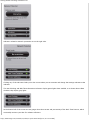
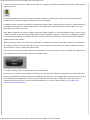
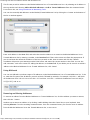
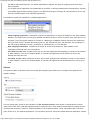
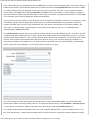
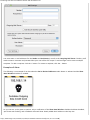
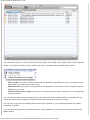
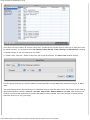
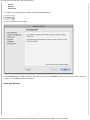
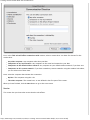
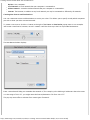
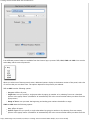
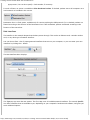
To create a filter, click the + button in the lower-left corner of the panel. The Smart Filter window displays.
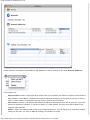
The first popup menu lets you specify whether you want the filter to match Any of the conditions you give, or All of
them.
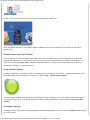
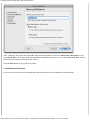
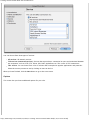
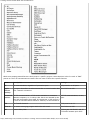
The second popup menu specifies the type of information that you want the filter to find. The choices are the same as
the Services window's columns: Protocol, Local Port, Remote Port, Remote Address and State. After choosing one
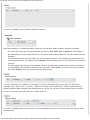
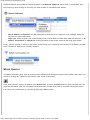
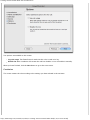
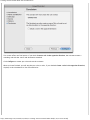
of these, you'll have the opportunity to specify filter details. In this example, we're only going to list those services
where the local port is in a given range.
http://www.intego.com/manuals/en/vbx6/5-Monitoring-Tools.html[3/14/12 6:56:42 PM]