1
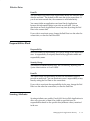
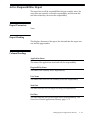
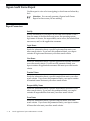
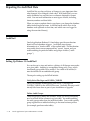
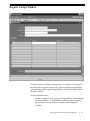
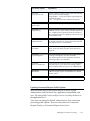
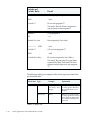
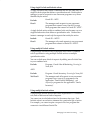
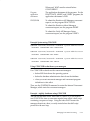
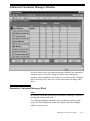
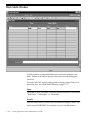
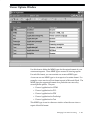
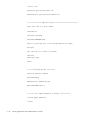
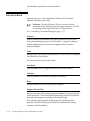
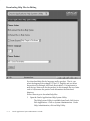
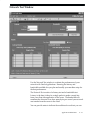
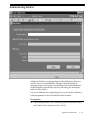
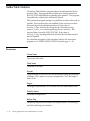
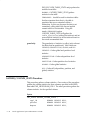
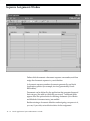
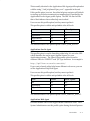
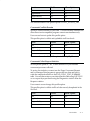
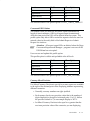
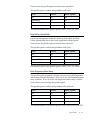
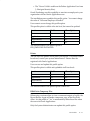
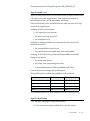
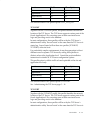
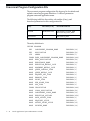
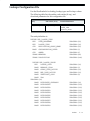
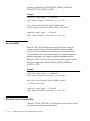
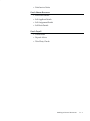
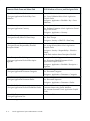
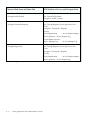
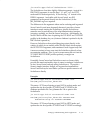
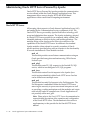
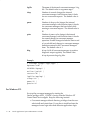
Extensions to be Uploaded as BLOB
*
Extensions to be Uploaded as LONG RAW
<null>
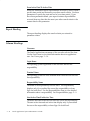
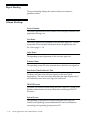
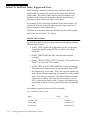
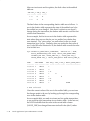
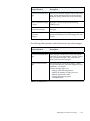
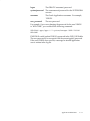
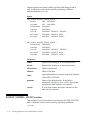
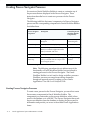
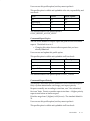
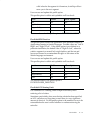
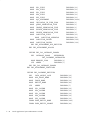
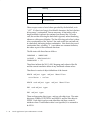
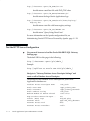
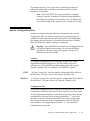
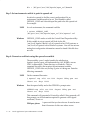
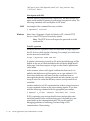
Path Alias
fndgfm
Path Alias Procedure
fnd_gfm.dispatch
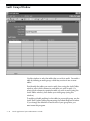
Enable Single Signon Authentication No
Custom Authentication
CUSTOM
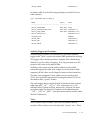
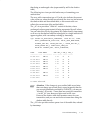
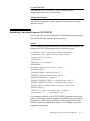
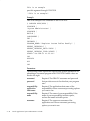
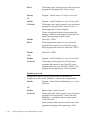
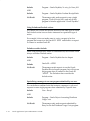
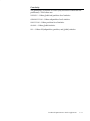
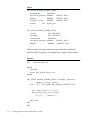
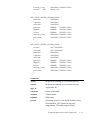
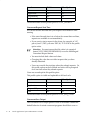
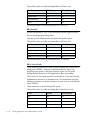
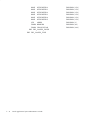
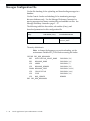
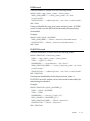
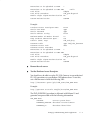
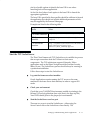
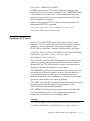
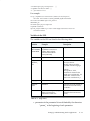
Example:
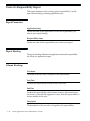
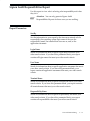
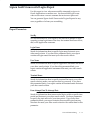
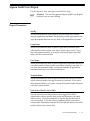
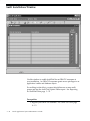
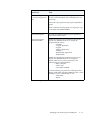
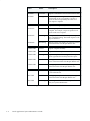
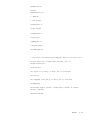
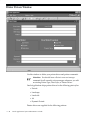
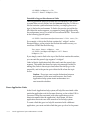
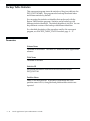
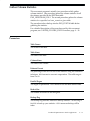
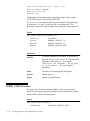
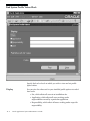
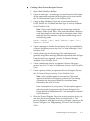
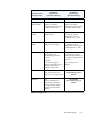
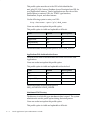
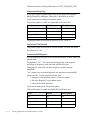
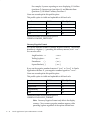
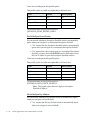
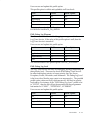
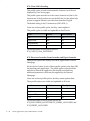
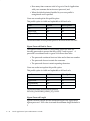
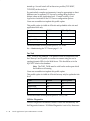
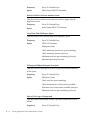
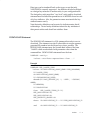
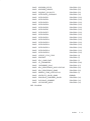
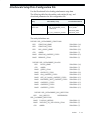
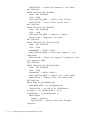
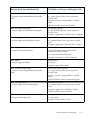
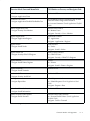
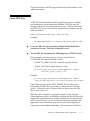
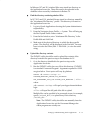
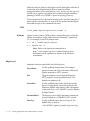
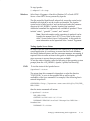
Database Access Descriptor Name
R1154
Oracle User Name
apps
Oracle Password
apps
Oracle Connect String
R1154
Maximum Number of Worker Thread
10
Keep Database Connection Open...
Yes
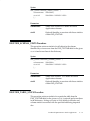
Default (Home) Page
fnd_web.ping
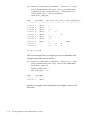
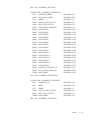
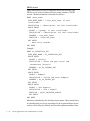
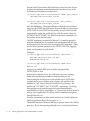
Document Table
apps.fnd_lobs_document
Document Access Path
docs
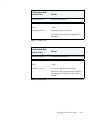
Document Access Procedure
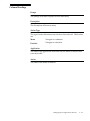
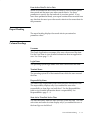
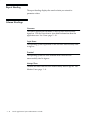
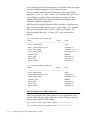
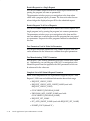
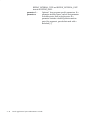
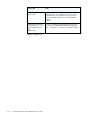
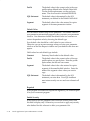
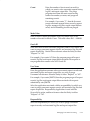
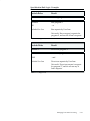
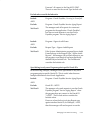
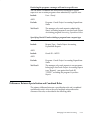
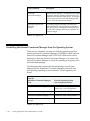
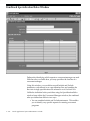
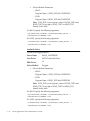
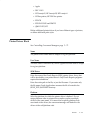
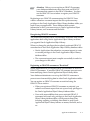
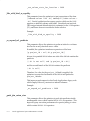
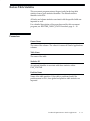
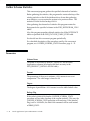
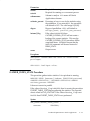
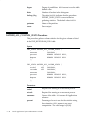
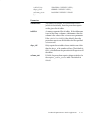
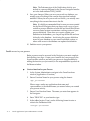
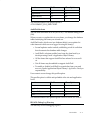
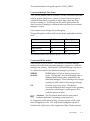
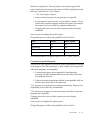
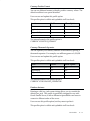
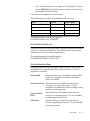
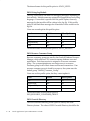
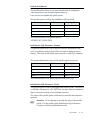
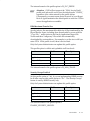
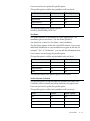
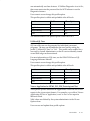
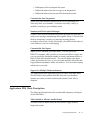
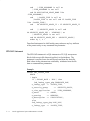
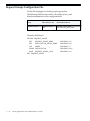
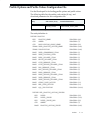
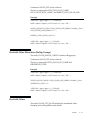
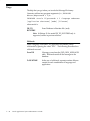
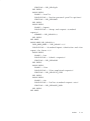
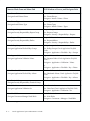
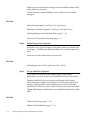
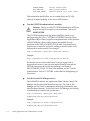
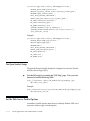
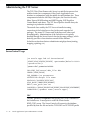
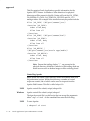
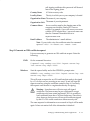
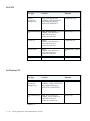
Extensions to be Uploaded as BLOB
*
Extensions to be Uploaded as LONG RAW
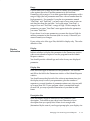
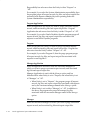
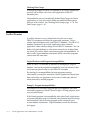
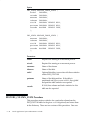
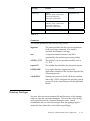
Path Alias
fndgfm
Path Alias Procedure
fnd_gfm.dispatch
Enable Single Signon Authentication No
Custom Authentication
CUSTOM
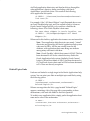
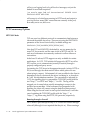
"
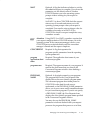
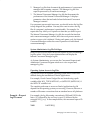
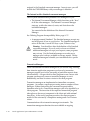
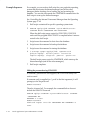
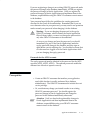
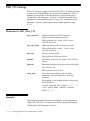
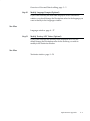
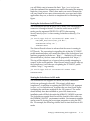
Bounce the web server.
"
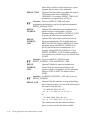
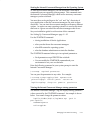
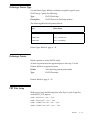
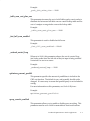
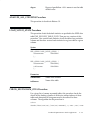
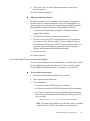
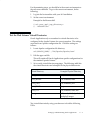
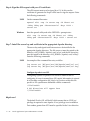
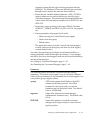
Test the Database Access Descriptor.
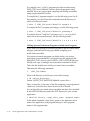
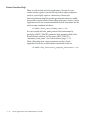
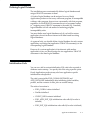
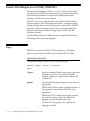
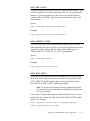
You should now be able to use the PL/SQL Gateway to run authorized
PL/SQL procedures on your Release 11i database server. To test this,
use a web browser to fetch the following URL:
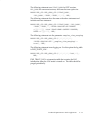
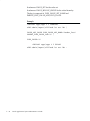
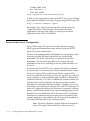
http://<hostname>:<port>/pls/<dad_name>/FND_WEB.PING
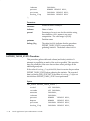
Example:
http://ap523sun.us.oracle.com/pls/R1154/FND_WEB.PING
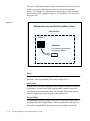
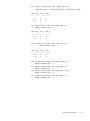
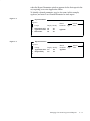
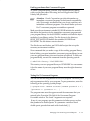
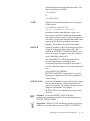
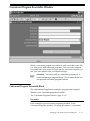
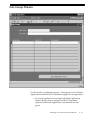
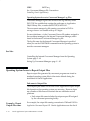
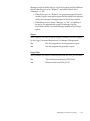
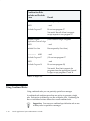
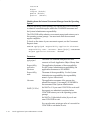
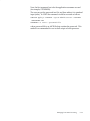
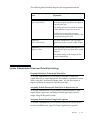
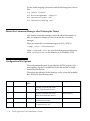
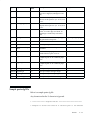
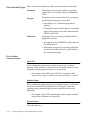
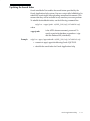
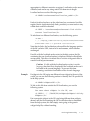
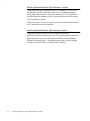
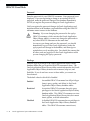
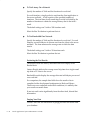
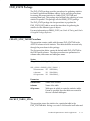
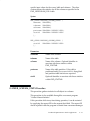
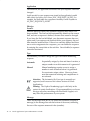
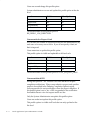
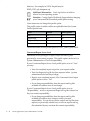
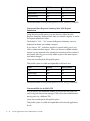
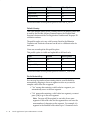
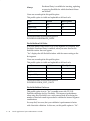
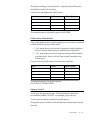
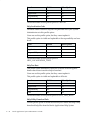
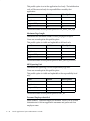
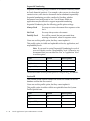
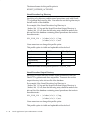
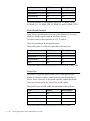
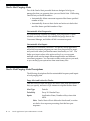
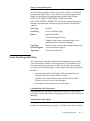
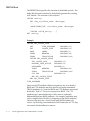
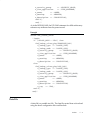
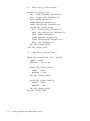
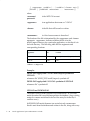
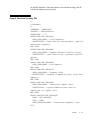
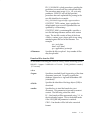
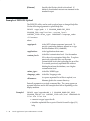
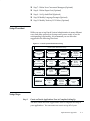
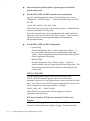
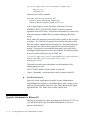
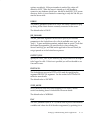
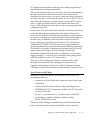
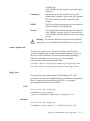
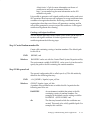
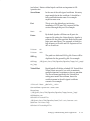
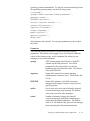
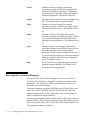
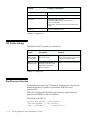
The FND_WEB.PING procedure is delivered with Release 11i and
generates a response table with the following information:
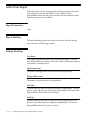
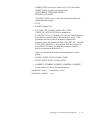
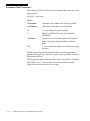
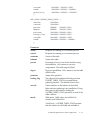
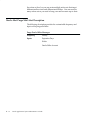
FND_WEB.PING
SYSDATE:
<server system date>
DATABASE_VERSION: <database version banner>
DATABASE_ID:
<database identifier>
Setting Up and Maintaining Oracle Applications
G–5