1
See: Overview of Function Security: page 2 – 21
Prerequisites
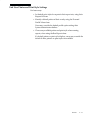
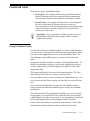
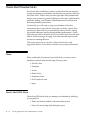
• Use the Data Groups window to list the ORACLE username
your responsibility’s concurrent programs reference on an
application–by–application basis.
• Use the Request Groups window to define the Request Group
you wish to make available with this responsibility.
• Use the Menus window to view the predefined Menu you could
choose to assign to this responsibility.
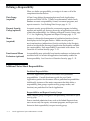
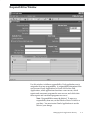
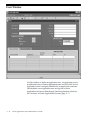
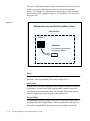
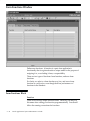
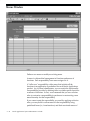
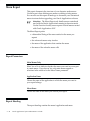
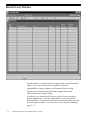
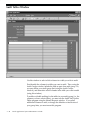
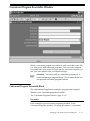
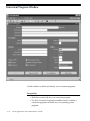
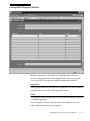
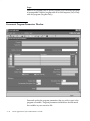
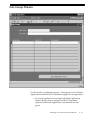
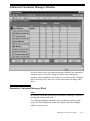
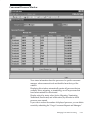
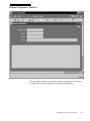
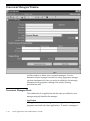
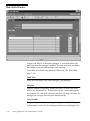
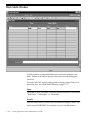
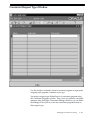
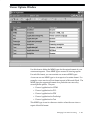
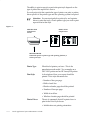
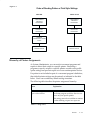
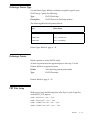
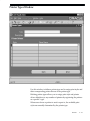
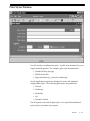
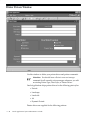
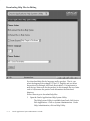
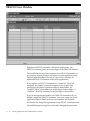
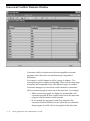
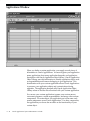
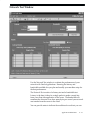
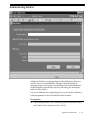
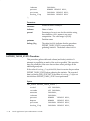
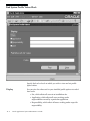
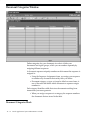
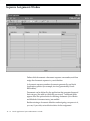
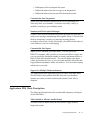
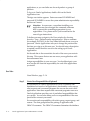
Responsibilities Block
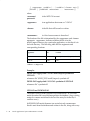
An application name and a responsibility name uniquely identify a
responsibility.
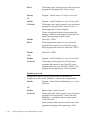
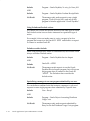
Responsibility Name
If you have multiple responsibilities, a pop–up window includes this
name after you sign on.
Application
This application name does not prevent the user of this responsibility
from accessing other applications’ forms and functions if you define the
menu to access other applications.
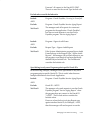
Responsibility Key
This is a unique name for a responsibility that is used by loader
programs. Loaders are concurrent programs used to ”load” such
information as messages, user profiles and user profile values into your
Oracle Applications tables. To help ensure that your responsibility key
is unique throughout your system, begin each Responsibility Key name
with the application short name associated with this responsibility.
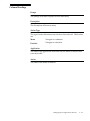
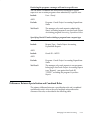
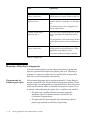
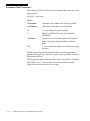
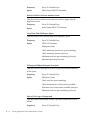
Effective Dates
From/To
Enter the start/end dates on which the responsibility becomes
active/inactive. The default value for the start date is the current date,
2 – 10
Oracle Applications System Administrator’s Guide