1
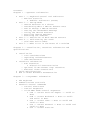
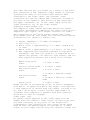
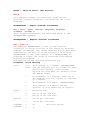
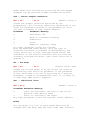
Contents
Chapter 1 - Operator Information
•
•
•
•
•
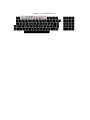
Part 1 -- Keyboard Control and Indicators
o Monitor Controls
§ Audible Indicators (Tones)
Part 2 -- Set-Up Mode
o SET-UP Features at a Glance
o Determining What a SET-UP Feature Does
o How To Change a SET-UP Feature
o Setting the Answerback Message
o Saving the SET-UP Features
o Recalling SET-UP Features
o Resetting the Terminal
Part 3 -- Definition of Each SET-UP Feature
Part 4 -- Self-Testing the VT100
o Self-Test Error Codes
Part 5 -- What To Do in the Event of a Problem
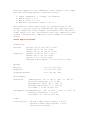
Chapter 2 - Installation, Interface Information and
Specifications
•
•
•
•
Installation
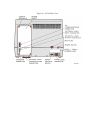
o Site Considerations
o Unpacking and Maintenance
o User Maintenance
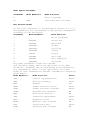
Interface Information
o EIA Interface
§ Electrical Characteristics
o Optional 20 mA Current Loop Interface
o External Video Connections
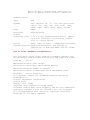
VT100 Specifications
How to Order Hardware Documentation
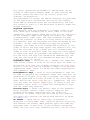
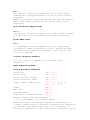
Chapter 3 - Programmer Information
•
•
•
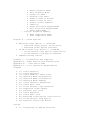
The Keyboard
Communications Protocols
Terminal Control Commands
o Control Characters
o Control Sequences
o Valid ANSI Mode Control Sequences
§ CPR -- Cursor Position Report -- VT100 to
Host
§ CUB -- Cursor Backward -- Host to VT100
and VT100 to Host
§ CUD -- Cursor Down -- Host to VT100 and
VT100 to Host
§ CUF -- Cursor Forward -- Host to VT100 and
VT100 to Host
§ CUP -- Cursor Position