1
Z INSTANT ZOOM
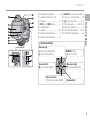
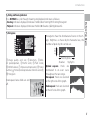
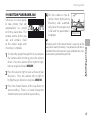
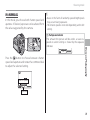
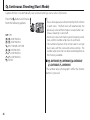
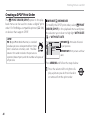
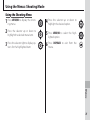
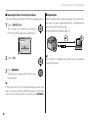
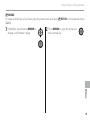
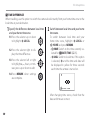
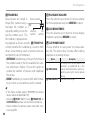
In instant zoom, the area surrounding the frame is visible in the display. Use to frame erratically moving
subjects such as children, pets, and athletes at sporting events.
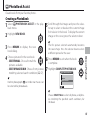
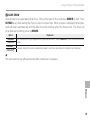
Position the subject in the focus frame.
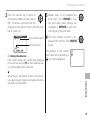
1 Use
the zoom control to frame the subject in
the center of the display.
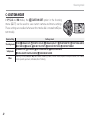
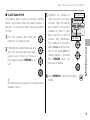
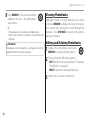
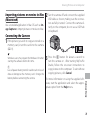
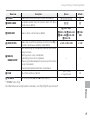
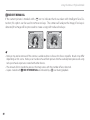
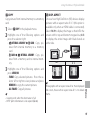
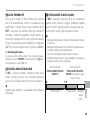
Z INSTANT ZOOM in the shooting
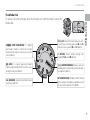
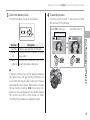
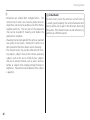
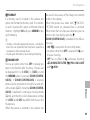
2 Select
menu (P 75).
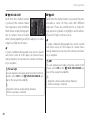
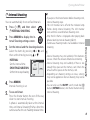
An Instant Zoom setting screen is displayed.
SHOOTING MENU
INSTANT ZOOM
2.0x
1.4x
2.0x
1.4x
OFF
42
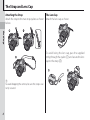
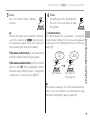
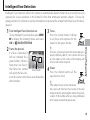
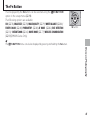
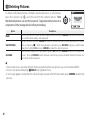
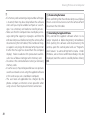
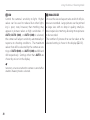
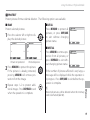
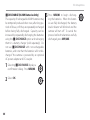
Select a framed area to enlarge by press3 ing
e or f, and then press the MENU/OK
button.
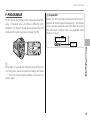
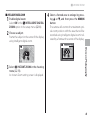
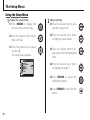
The frame is displayed as
shown at right.
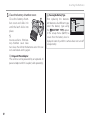
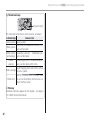
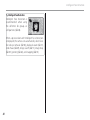
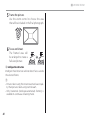
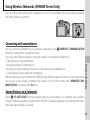
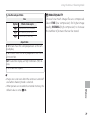
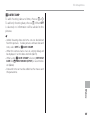
Focus and shoot.
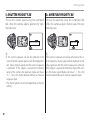
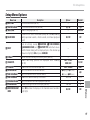
4 The
framed area
will
be enlarged to create a
full-sized picture.