1
Printing Pictures via USB
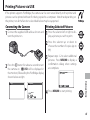
Creating a DPOF Print Order
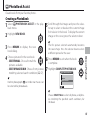
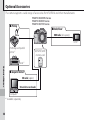
The K PRINT ORDER (DPOF) option in the playback menu can be used to create a digital “print
order” for PictBridge-compatible printers (P 106)
or devices that support DPOF.
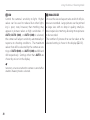
DPOF
DPOF (Digital Print Order Format) is standard
that allows pictures to be printed from “print
orders” stored on a memory card. The information in the order includes the pictures to
be printed, date imprint, and the number of copies of
each picture.
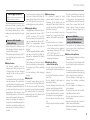
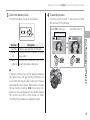
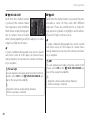
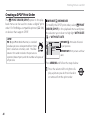
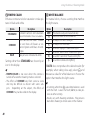
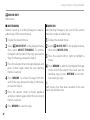
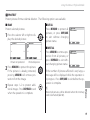
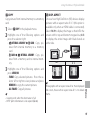
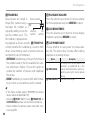
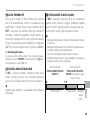
■ WITH DATE s// WITHOUT DATE
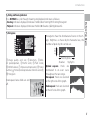
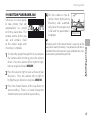
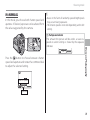
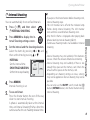
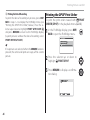
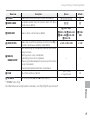
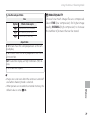
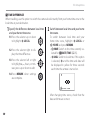
To modify the DPOF print order, select K PRINT
ORDER (DPOF) in the playback menu and press
the selector up or down to highlight WITH DATE
s or WITHOUT DATE.
PLAYBACK MENU
PRINT ORDER (DPOF)
WITH DATE
WITHOUT DATE
RESET ALL
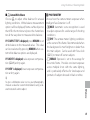
WITH DATE s: Print date of recording on pictures.
WITHOUT DATE: Print pictures without
date.
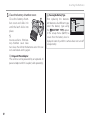
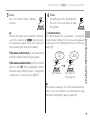
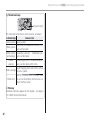
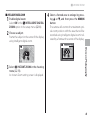
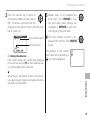
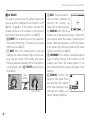
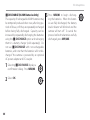
Press MENU/OK and follow the steps below.
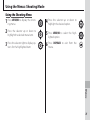
Press the selector left or right to dis1 play
a picture you wish to include in
or remove from the print order.
68