1
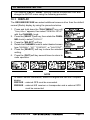
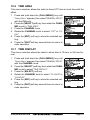
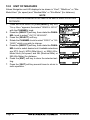
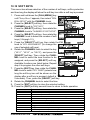
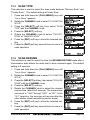
11.3 SCAN TYPE
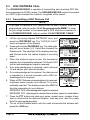
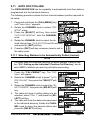
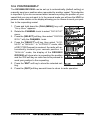
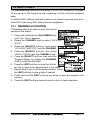
This selection is used to select the scan mode between “Memory Scan” and
“Priority Scan”. The default setting is Priority Scan.
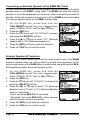
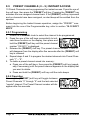
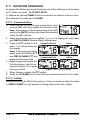
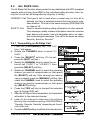
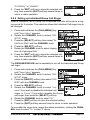
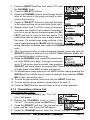
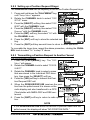
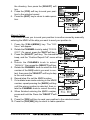
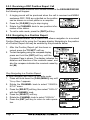
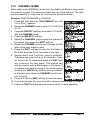
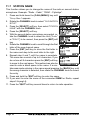
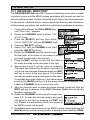
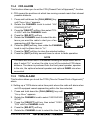
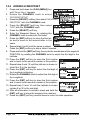
1. Press and hold down the [CALL(MENU)] key until
“Setup Menu” appears.
2. Rotate the CHANNEL knob to select “CH FUNCTION
SETUP”.
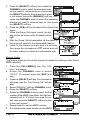
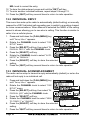
3. Press the [SELECT] soft key, then select “SCAN
TYPE” with the CHANNEL knob.
4. Press the [SELECT] soft key.
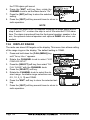
5. Rotate the CHANNEL knob to select “PRIORITY
SCAN” or “MEMORY SCAN”.
6. Press the [ENT] soft key to store the selected setting.
7. Press the [QUIT] soft key several times to return to
radio operation.
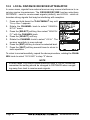
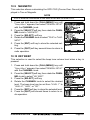
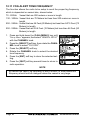
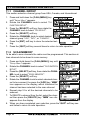
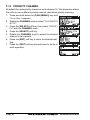
11.4 SCAN RESUME
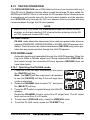
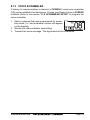
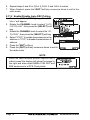
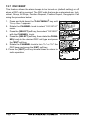
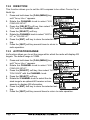
This selection is used to select the time the GX2000E/GX2100E waits after a
transmission ends before the radio start to scan channels again. The default
setting is 2 seconds.
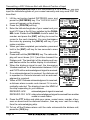
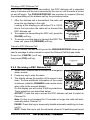
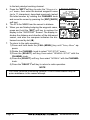
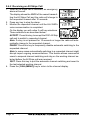
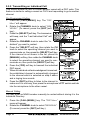
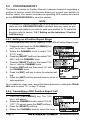
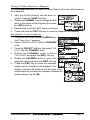
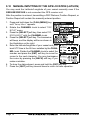
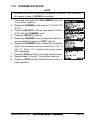
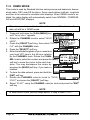
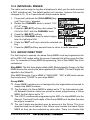
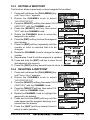
1. Press and hold down the [CALL(MENU)] key until
“Setup Menu” appears.
2. Rotate the CHANNEL knob to select “CH FUNCTION
SETUP”.
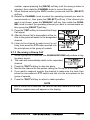
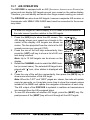
3. Press the [SELECT] soft key, then select “SCAN RESUME” with the CHANNEL knob.
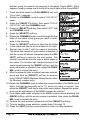
4. Press the [SELECT] soft key.
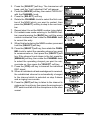
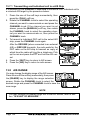
5. Rotate the CHANNEL knob to select the desired
resume time, default is 2 seconds. The resume time
can be set to “1SEC” through “5SEC”, or “OFF”. In the
“OFF” selection, the scanner will resume after the
other station stops transmitting (carrier drops).
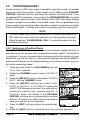
6. Press the [ENT] soft key to store the selected setting.
7. Press the [QUIT] soft key several times to return to
radio operation.
GX2000E/GX2100E
Page 89