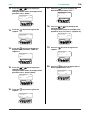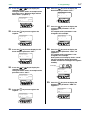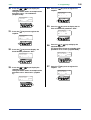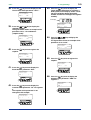
1
<Toc>
4.
4-1
<4. Operations>
Operations
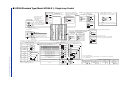
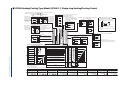
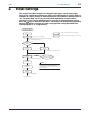
This chapter describes key entries for operating the controller. For operations using
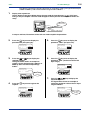
external contact inputs, see “1.5 Terminal Wiring Diagrams.” If you cannot remember how to carry out an operation during setting, press the DISP key no more than
four times. This brings you to the display (operating display) that appears at poweron.
4.1
Monitoring-purpose Operating Displays
Available during Operation
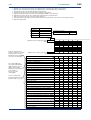
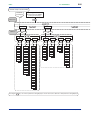
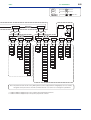
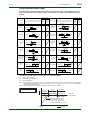
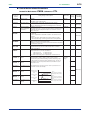
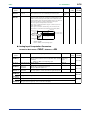
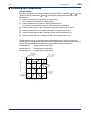
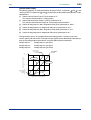
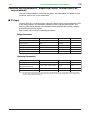
The monitoring-purpose operating displays available during operation include those for
controllers of single-loop and single-loop position proportional control and those for controllers of single-loop heating/cooling control.
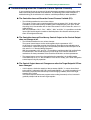
The Process Variable (PV) display always shows the value of PV input.
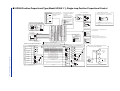
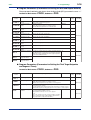
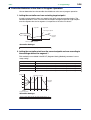
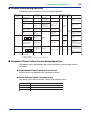
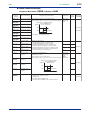
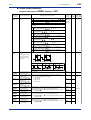
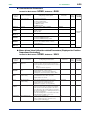
■ Operating Displays for Single-loop and Single-loop Position Proportional Control
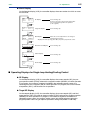
● SP Display
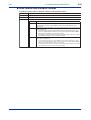
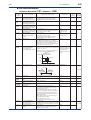
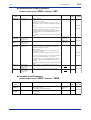
On the Setpoint display (LCD), the controller displays the current setpoint (SP), the program pattern number (PTNO) selected, the segment number (SEGNO) for which operation
is in progress, the number of segments included in the selected program pattern, the
remaining time of the segment for which operation is in progress, the current number of
repetitions (RCY), and the total sum of repetitions.
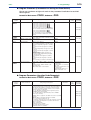
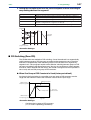
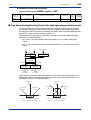
● Target SP Display
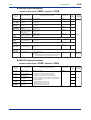
On the Setpoint display (LCD), the controller displays the current setpoint (SP) and final
target setpoint (TSP), the program pattern number (PTNO) selected, the segment number
(SEGNO) for which operation is in progress, the number of segments included in the
selected program pattern, the program pattern name (only displayed when setting the
program pattern name using an optional parameter setting tool (model: LL100-E10)).
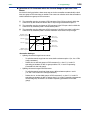
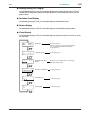
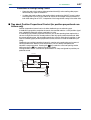
● OUT Display
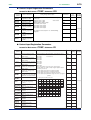
On the Setpoint display (LCD), the controller displays the current setpoint (SP), the PID
number (PID) being used, the program pattern number (PTNO), the segment number
(SEGNO) for which operation is in progress, and the number of segments included in the
selected program pattern, and the control output value (OUT), however, the valve opening
(0 to 100%) in position proportional control.
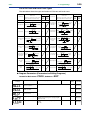
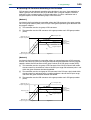
● Deviation Trend Display
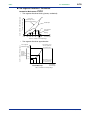
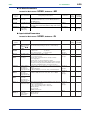
On the Setpoint display (LCD), the controller displays the deviation trend.
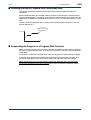
● Pattern Display
On the Setpoint display (LCD), the controller displays the selected program pattern.
IM 05E01C02-41E
4th Edition: May 31, 2006-00