1
4.3.10
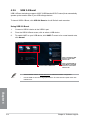
USB Charger+
USB Charger+ allows you to quick-charge your portable USB devices even if your computer
is off, in sleep mode or hibernate mode.
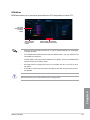
The USB Charger+ will not work if the ErP-ready item in the BIOS is enabled.
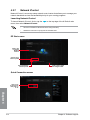
Launching USB Charger+
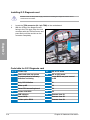
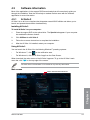
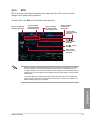
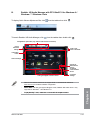
To launch USB Charger+, click
on the AI Suite 3 main menu bar.
on the top edge of the screen, then click USB Charger+
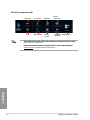
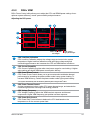
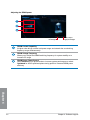
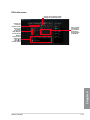
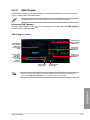
USB Charger+ screen
Click to detect
the connected
USB device
Indicates that
the connected
USB device
is in charging
mode
Click to fastcharge your
USB device
Click to select
the type of
USB device
that you wish
to charge
when the
system is off
Click to stop
charging your
USB device
Click to apply
the settings
Click to discard
the settings
Chapter 4
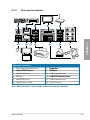
Ensure to connect your USB device into the USB port that supports this utility. Refer to
section 2.3.1 Rear I/O connection of your user manual for more details.
ASUS P9D WS
4-17