1
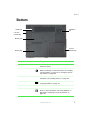
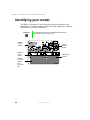
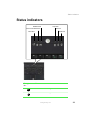
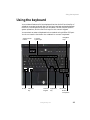
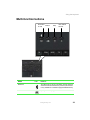
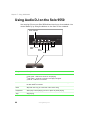
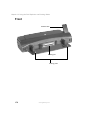
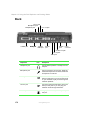
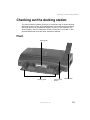
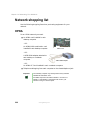
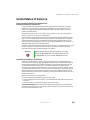
Bottom
Bottom
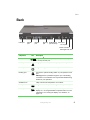
Reset hole
Ventilation
fan
5.25-inch
modular bay
Memory bay
3.5-inch
modular bay
Battery bay
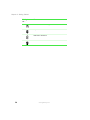
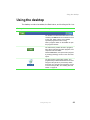
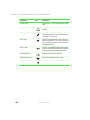
Component
Icon
Description
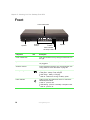
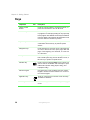
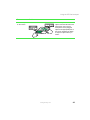
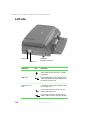
Reset hole
Insert a straightened paper clip into this hole to manually
restart the system.
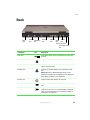
5.25-inch modular bay
Install a CD/DVD drive, a second hard drive, or a second
battery into this bay. For more information, see “Installing
a second battery” on page 123 or “Changing 5.25-inch
bay modules” on page 158.
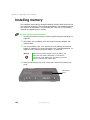
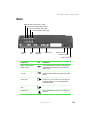
Memory bay
Install memory modules into this bay. For more
information, see “Installing memory” on page 162.
Battery bay
Insert the battery into this bay. For more information, see
“Changing batteries” on page 121.
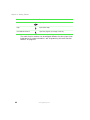
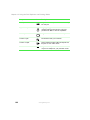
Ventilation fan
Helps cool internal components. Do not block.
3.5-inch modular bay
Install a standard 3.5-inch diskette drive or an LS-120
drive. For more information, see “Using diskettes” on
page 86 and “Changing 3.5-inch bay modules” on
page 160.
www.gateway.com
7