1
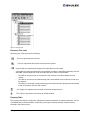
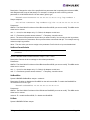
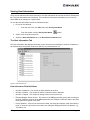
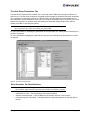
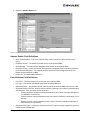
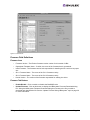
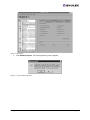
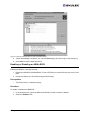
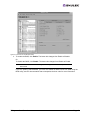
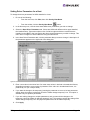
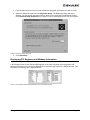
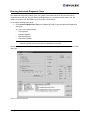
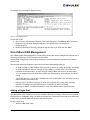
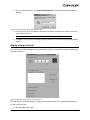
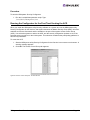
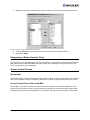
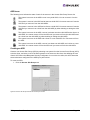
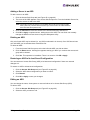
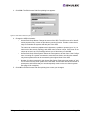
3. Select the unsecured servers that you want to add to the ACG from the Available Servers list.
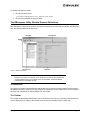
Figure 41: Access Control Group tab with ACG Servers
4. Click the left arrow to add the servers to the Access Control Group Servers list.
5. Click OK or Apply.
Designating a Master Security Client
The first time you run the HBAnyware Security Configurator on any system in a Fibre Channel network,
that system becomes the MSC (Master Security Client). See “Running the Configurator for the First
Time” on page 62 for more information.
Access Control Groups
Introduction
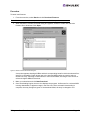
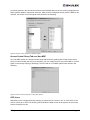
The Access Control Group tab shows the systems that are part of a client's Access Control Group (ACG)
and, from the Master Security Client (MSC), allows you to select the systems that belong to the ACG.
Access Control Group Tab on the MSC
On the MSC, you select or deselect the systems that are to be part of the security installation in the
Access Control Group tab. When you select unsecure systems and move them to the Access Control
Group Servers list, these systems updates to secure them and bring them into the MSC's ACG. When
HBAnyware User Manual
Page 63