1
IP Wireless Security Motorized Camera
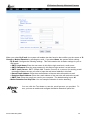
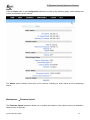
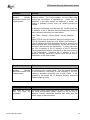
- Mail Server: Enter the mail server address that is used to send your e-mail.
- Mail From/To: Enter the sender’s/receiver’s e-mail address.
- Subject: Enter the title of the e-mail.
- User Name/Password: Enter the user name/password to login the mail server.
- Interval Time: Enter a number in this box to setup the time (in second) to send E-mail regularly.
Proxy Server
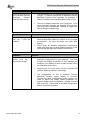
Check the Proxy Server option and enter the required settings in the Address and Port boxes to enable
and use the Proxy Server function.
Recording Configuration
In this field, you can configure the storage settings.
-
Log Storage:
A02-IPCAM2-W54_ME01
50