1
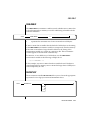
DBSPACETEMP
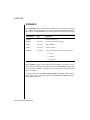
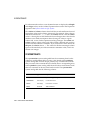
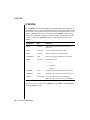
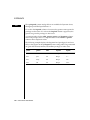
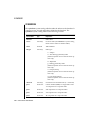
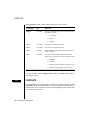
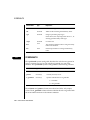
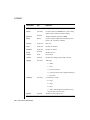
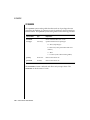
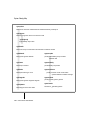
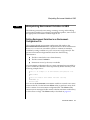
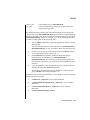
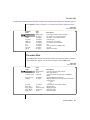
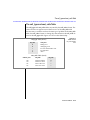
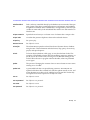
Enter the following command to set the DBREMOTECMD environment
variable to specify the full pathname:
setenv DBREMOTECMD /usr/bin/remsh
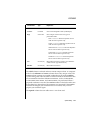
For more information on DBREMOTECMD, see the discussion in your Archive
and Backup Guide about how to use remote tape devices with your database
server for archives, restores, and logical-log backups.
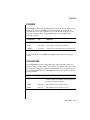
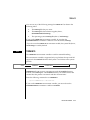
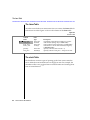
DBSPACETEMP
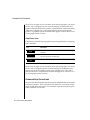
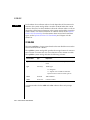
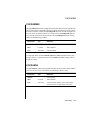
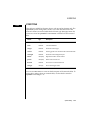
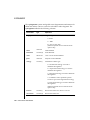
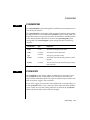
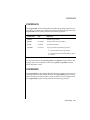
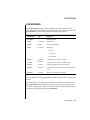
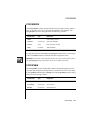
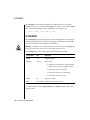
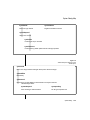
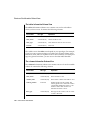
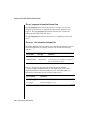
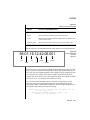
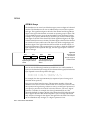
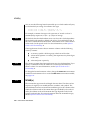
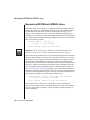
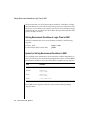
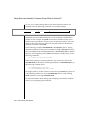
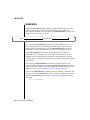
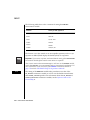
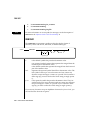
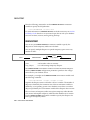
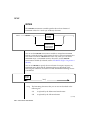
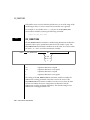
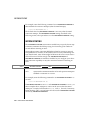
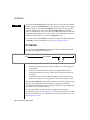
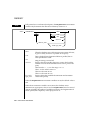
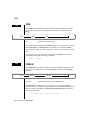
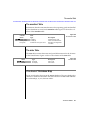
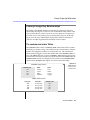
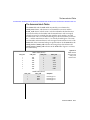
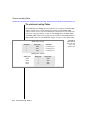
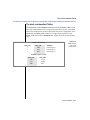
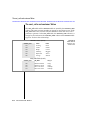
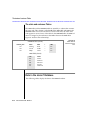
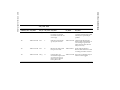
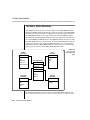
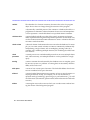
You can set your DBSPACETEMP environment variable to specify the
dbspaces in which temporary tables are to be built.
You can specify multiple dbspaces to spread temporary space across any
number of disks.
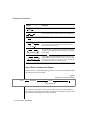
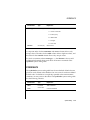
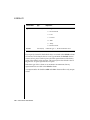
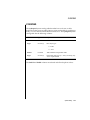
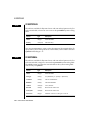
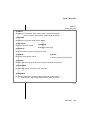
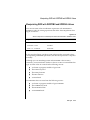
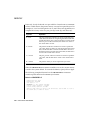
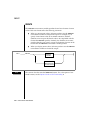
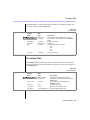
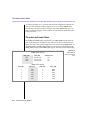
punct
setenv
DBSPACETEMP
punct
temp_dbspace
temp_dbspace
can be either colons or commas.
is a valid existing temporary dbspace.
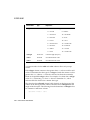
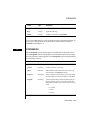
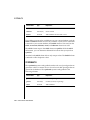
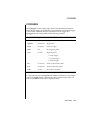
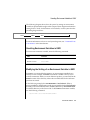
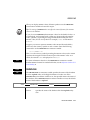
The DBSPACETEMP environment variable overrides the default dbspaces
that the DBSPACETEMP configuration parameter specifies in the configuration file for your database server.
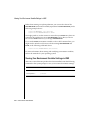
For example, you might set the DBSPACETEMP environment variable with
the following command:
setenv DBSPACETEMP sorttmp1:sorttmp2:sorttmp3
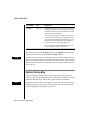
Separate the dbspace entries with either colons or commas. The number of
dbspaces is limited by the maximum size of the environment variable, as
defined by your operating system. Your database server does not create a
dbspace specified by the environment variable if the dbspace does not exist.
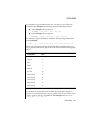
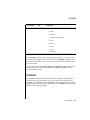
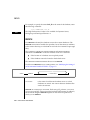
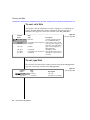
The two classes of temporary tables are explicit temporary tables that the
user creates and implicit temporary tables that the database server creates.
Use the DBSPACETEMP environment variable to specify the dbspaces for
both types of temporary tables.
3-42
Informix Guide to SQL: Reference