1
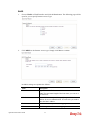
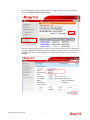
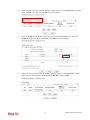
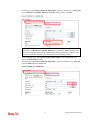
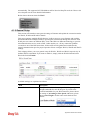
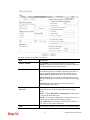
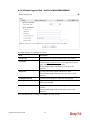
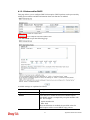
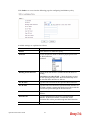
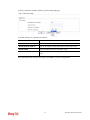
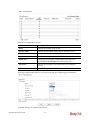
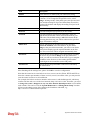
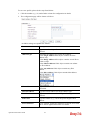
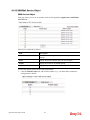
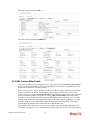
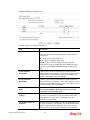
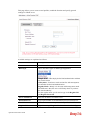
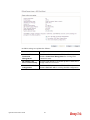
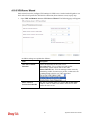
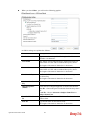
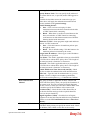
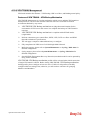
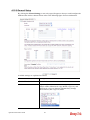
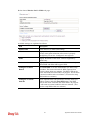
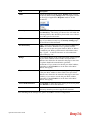
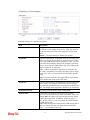
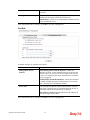
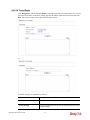
Available settings are explained as follows:
Item
Description
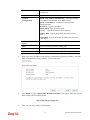
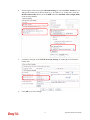
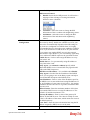
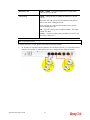
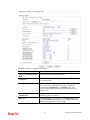
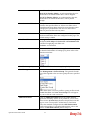
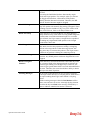
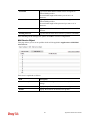
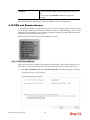
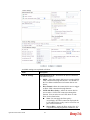
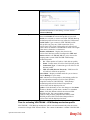
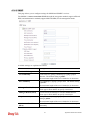
Choose Private IP or Active True IP first.
Active True IP selection is available for WAN1 only.
Private IP
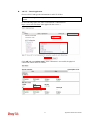
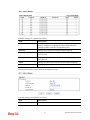
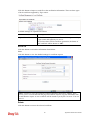
Enter the private IP address of the DMZ host, or click Choose
PC to select one.
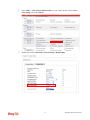
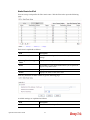
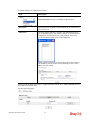
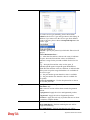
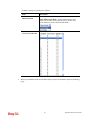
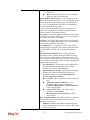
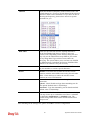
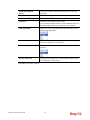
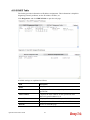
Choose PC
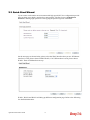
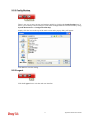
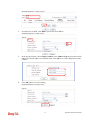
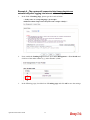
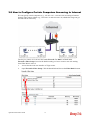
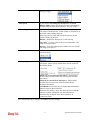
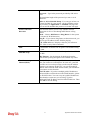
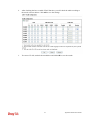
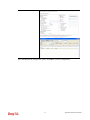
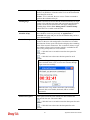
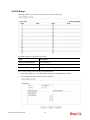
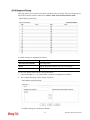
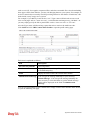
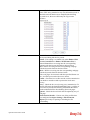
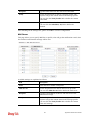
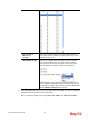
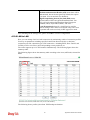
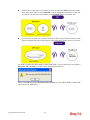
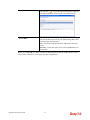
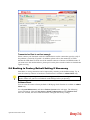
Click this button and then a window will automatically pop
up, as depicted below. The window consists of a list of private
IP addresses of all hosts in your LAN network. Select one
private IP address in the list to be the DMZ host.
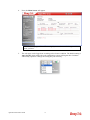
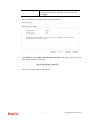
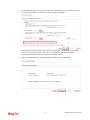
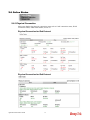
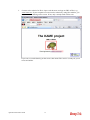
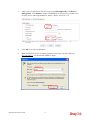
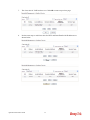
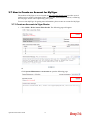
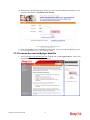
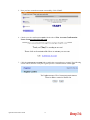
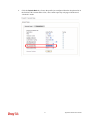
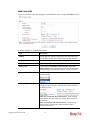
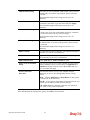
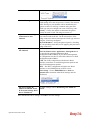
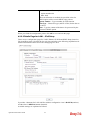
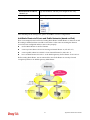
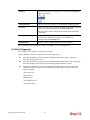
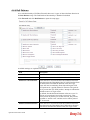
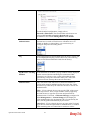
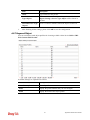
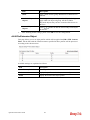
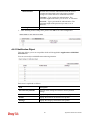
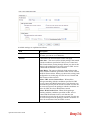
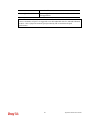
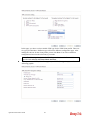
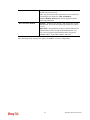
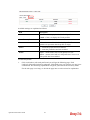
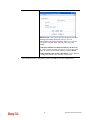
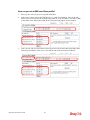
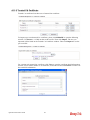
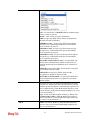
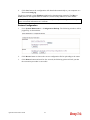
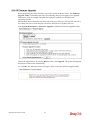
When you have selected one private IP from the above dialog,
the IP address will be shown on the following screen. Click
OK to save the setting.
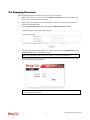
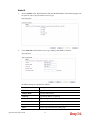
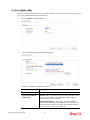
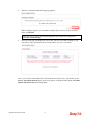
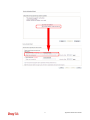
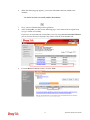
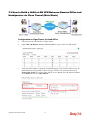
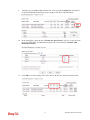
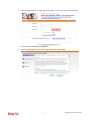
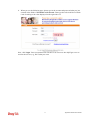
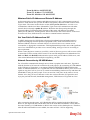
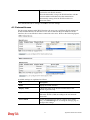
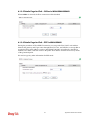
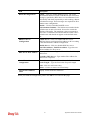
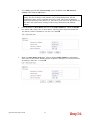
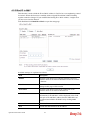
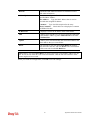
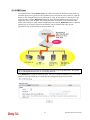
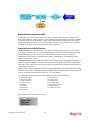
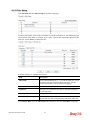
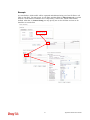
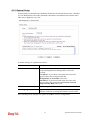
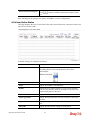
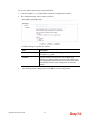
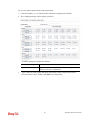
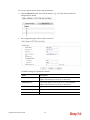
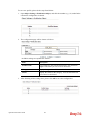
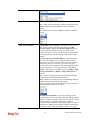
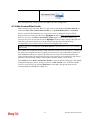
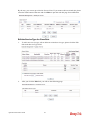
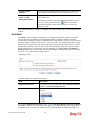
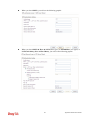
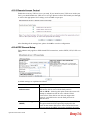
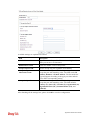
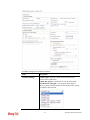
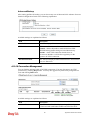
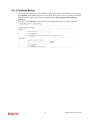
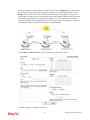
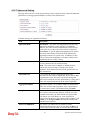
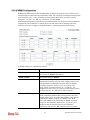
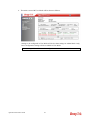
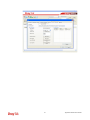
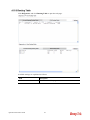
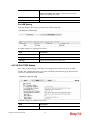
DMZ Host for WAN2 and WAN3 is slightly different with WAN1. Active True IP selection
is available for WAN1 only.
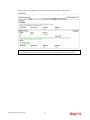
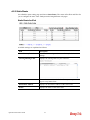
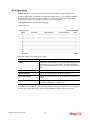
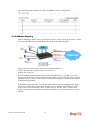
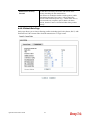
See the following figure.
Vigor2912 Series User’s Guide
150