1
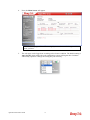
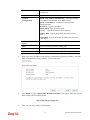
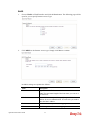
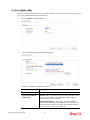
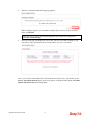
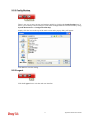
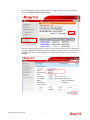
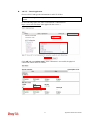
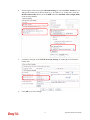
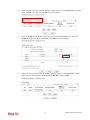
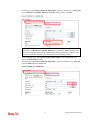
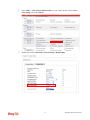
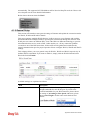
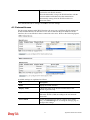
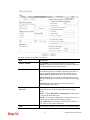
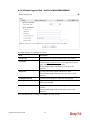
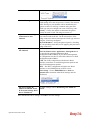
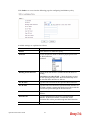
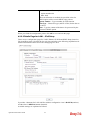
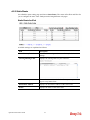
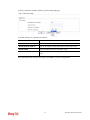
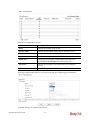
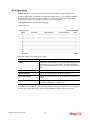
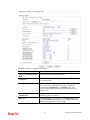
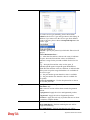
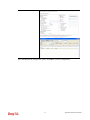
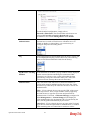
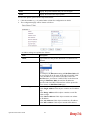
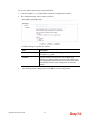
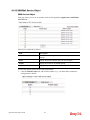
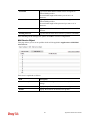
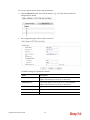
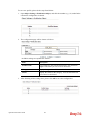
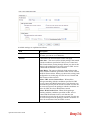
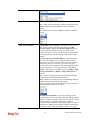
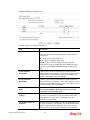
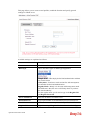
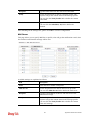
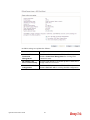
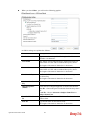
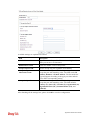
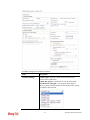
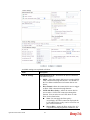
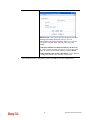
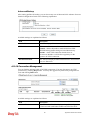
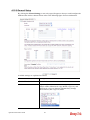
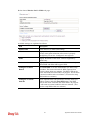
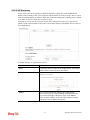
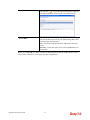
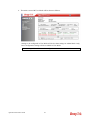
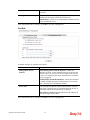
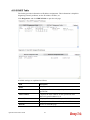
2. The configuration page will be shown as follows:
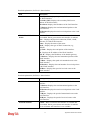
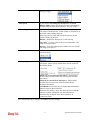
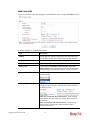
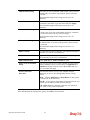
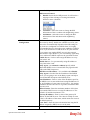
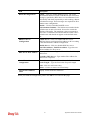
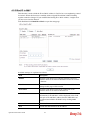
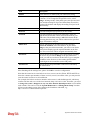
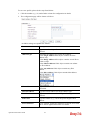
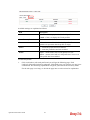
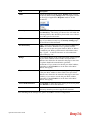
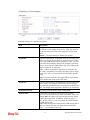
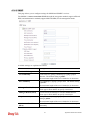
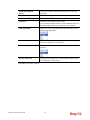
Available settings are explained as follows:
Item
Description
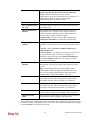
Name
Type a name for this profile.
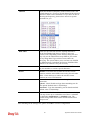
Protocol
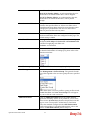
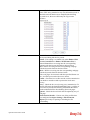
Specify the protocol(s) which this profile will apply to.
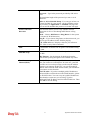
Source/Destination
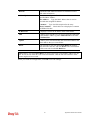
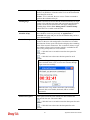
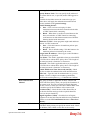
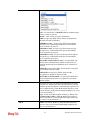
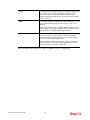
Port
Source Port and the Destination Port column are available
for TCP/UDP protocol. It can be ignored for other
protocols. The filter rule will filter out any port number.
(=) – when the first and last value are the same, it indicates
one port; when the first and last values are different, it
indicates a range for the port and available for this profile.
(!=) – when the first and last value are the same, it
indicates all the ports except the port defined here;
when the first and last values are different, it indicates that
all the ports except the range defined here are available for
this service type.
(>) – the port number greater than this value is available.
(<) – the port number less than this value is available for
this profile.
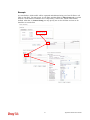
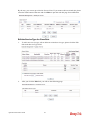
3.
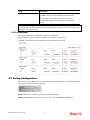
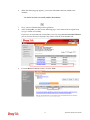
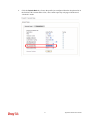
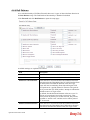
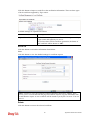
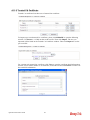
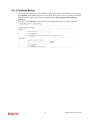
After finishing all the settings, please click OK to save the configuration.
195
Vigor2912 Series User’s Guide