1
File No. 960-140
1.8
Pointing Device Troubleshooting
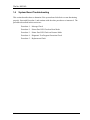
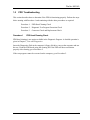
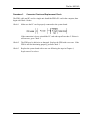
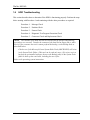
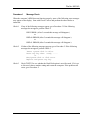
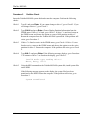
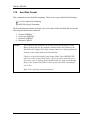
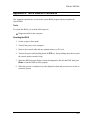
To determine if the computer's pointing device is functioning properly, perform the following
procedures.
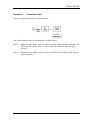
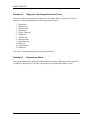
Procedure 1: Diagnostic Test Program Execution Check
Procedure 2: Connector and Replacement Check
Procedure 1
Diagnostic Test Program Execution Check
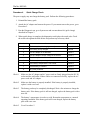
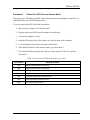
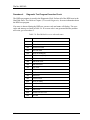
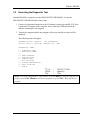
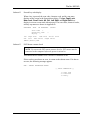
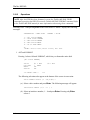
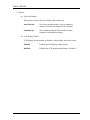
Execute the pointing device Test in the Diagnostic Program of Keyboard Test Program.
Refer to Chapter 3, Test and Diagnostic, for more information on how to perform the test
program. If an error occurs, go to Procedure 2. If an error does not occur, the pointing
device is functioning properly.
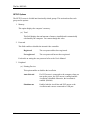
Procedure 2
Connector and Replacement Check
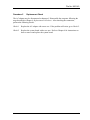
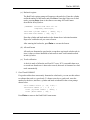
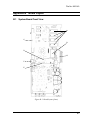
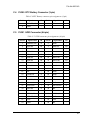
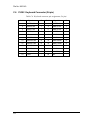
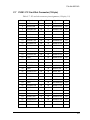
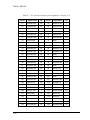
The pointing device is connected to the system board by the FLIMC* board (flexible cable).
The FLIMC* board or connectors may be disconnected or damaged. If there is a problem
with the pointing device, disassemble the computer as described in Chapter 4.Replacement
Procedures, and perform Check 1.
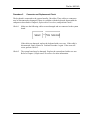
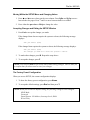
Check 1
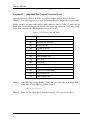
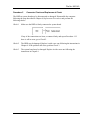
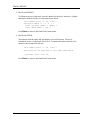
Make sure the FLIMC* board or the pointing device is not damaged and that both
are connected to the system board. If the FLIMC* board or the pointing device is
damaged, replace the FLIMC* board or the pointing device with a new one. If the
FLIMC* board or the pointing device is disconnected, firmly connect it. Perform
Procedure 1 again. If the error still exists, perform Check 2.
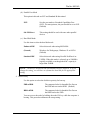
Check 2
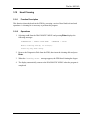
The System board may be damaged. Replace the System board with a new one.
Refer to Chapter 4, Replacement Procedures for more information.
1-36