1
UNDERSTANDING YOUR INSTRUMENT PANEL
329
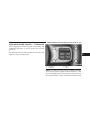
Controls
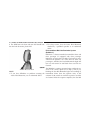
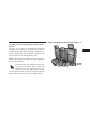
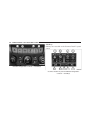
• When both switches are on Channel 2, the Remote is
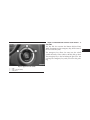
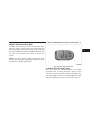
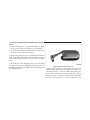
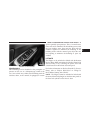
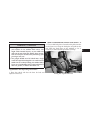
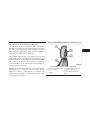
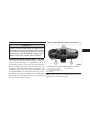
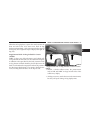
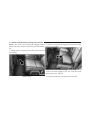
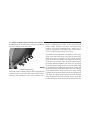
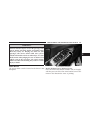
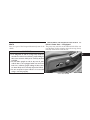
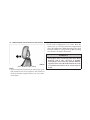
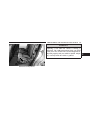
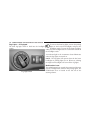
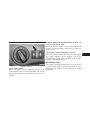
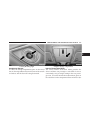
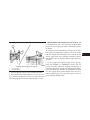
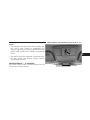
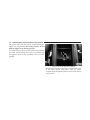
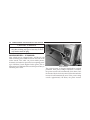
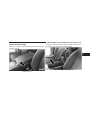
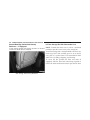
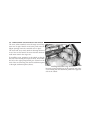
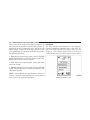
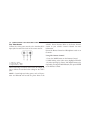
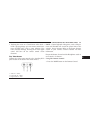
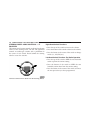
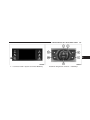
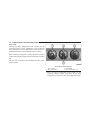
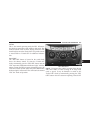
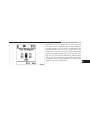
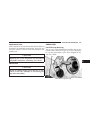
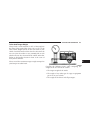
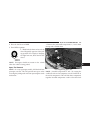
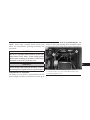
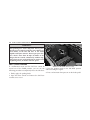
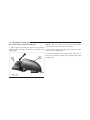
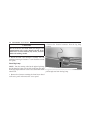
The headphone power indicator and controls are located
controlling Channel 2 and the headphones are tuned
on the right ear cup.
to the audio of the VES™ Channel 2.
NOTE: The rear video system must be turned on before
sound can be heard from the headphones. To conserve
battery life, the headphones will automatically turn off
approximately three minutes after the rear video system
is turned off.
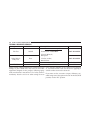
Changing the Audio Mode for Headphones
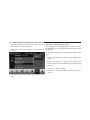
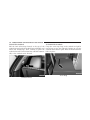
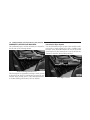
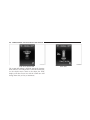
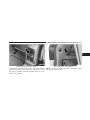
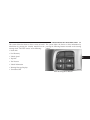
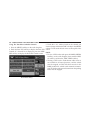
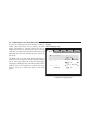
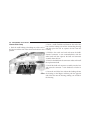
2. Press the MODE button on the remote control.
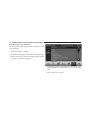
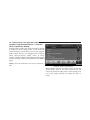
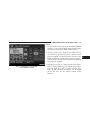
3. If the video screen is displaying a video source (such
as a DVD Video), pressing STATUS shows the status on a
popup banner at the bottom of the screen. Pressing the
MODE button will advance to the next mode. When the
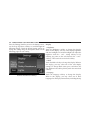
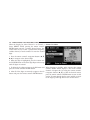
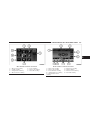
mode is in an audio only source (such as FM), the Mode
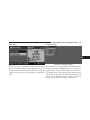
Selection menu appears on screen.
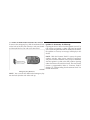
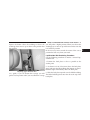
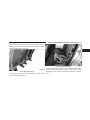
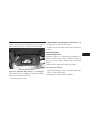
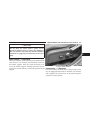
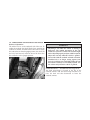
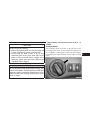
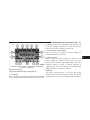
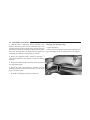
1. Ensure the Remote Control channel/screen selector
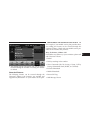
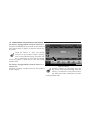
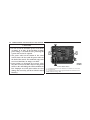
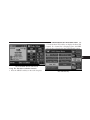
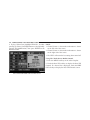
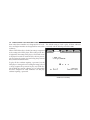
switch is in the same position as the headphone selector 4. When the Mode Selection menu appears on screen,
switch..
use the cursor buttons on the remote control to navigate
to the available modes and press the ENTER button to
NOTE:
select the new mode.
• When both switches are on Channel 1, the Remote is
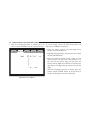
controlling Channel 1 and the headphones are tuned 5. To cancel out of the Mode Selection menu, press the
to the audio of the VES™ Channel 1.
BACK button on the remote control.
4