1
Using SCL
aSearch and
Replace
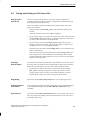
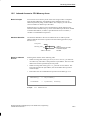
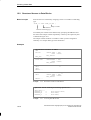
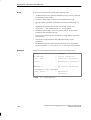
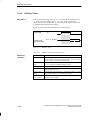
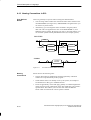
The menu command Edit Find/Replace opens a dialog box in which you
can enter a character string you wish to find or replace with different text.
Inserting
Templates
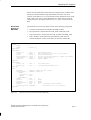
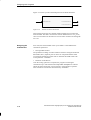
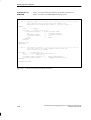
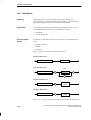
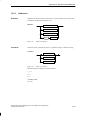
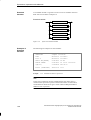
Inserting templates enables you to program more efficiently and makes it
easier to avoid syntax errors. In SCL you can
S Insert templates for blocks by selecting the menu command Insert
Block Template.
S Insert templates for control structures by selecting the menu command
Insert Control Structure.
Cut, Copy, Paste
and Delete
Text can be cut, copied, pasted and deleted in the normal way. The relevant
commands are to be found in the Edit menu.
In most cases, you can move and copy objects by “dragging and dropping”
with the mouse.
GO TO
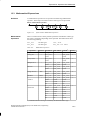
With the menu command Edit Go To ..., a dialog box is opened in which
you enter the number of the row at which you want to position the insert
cursor, and then confirm with “OK”.
Undo, Restore
With the menu command Edit Undo, you can reverse an action, for
example, undelete a row. The menu command Edit Restore enables you to
restore an action that was undone.
4-6
Structured Control Language (SCL) for S7-300/S7-400, Programming
C79000-G7076-C522-01