1
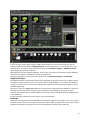
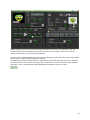
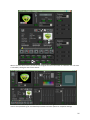
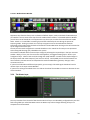
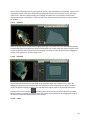
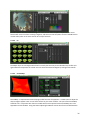
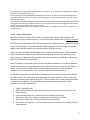
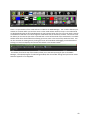
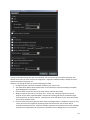
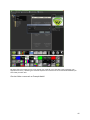
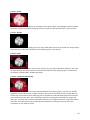
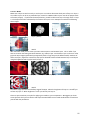
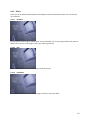
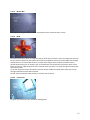
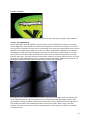
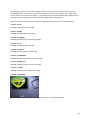
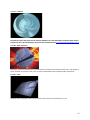
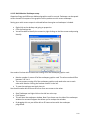
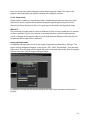
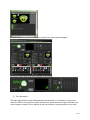
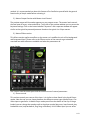
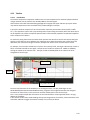
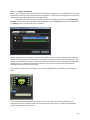
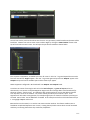
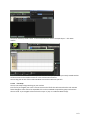
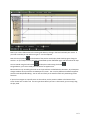
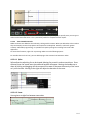
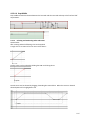
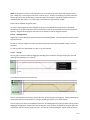
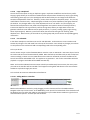
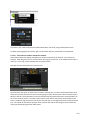
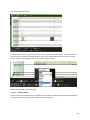
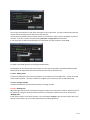
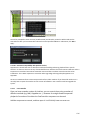
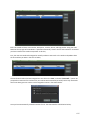
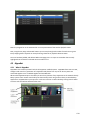
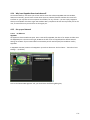
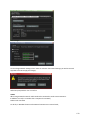
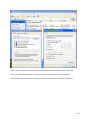
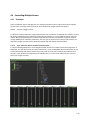
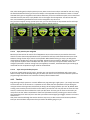
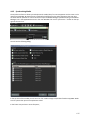
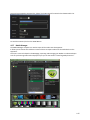
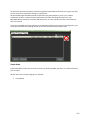
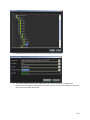
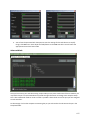
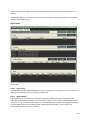
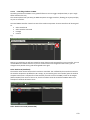
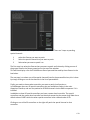
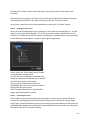
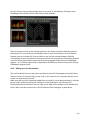
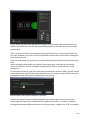
4.1.13 Multi‐Monitor ZooKeeper setup Hippotizer Stage and HD have a dedicated graphics cards for control. Zookeeper can be spread across the two DVI outputs of the graphics card to produce a multi‐screen zookeeper. Setting up a multi‐screen output is achieved before the engine and zookeeper is loaded. Right click on the desktop and going to properties. Click the Settings tab. You will be able to identify the screens by right clicking on the blue screen and pressing identify. You need to find out which screens are coming off of the Zookeeper graphics card. Monitor number 1 comes off of the zookeeper graphics card. The other number differs between 2 & 3 or 4. The two screens coming off of the zookeeper graphics card need to be next to each other with Monitor 1 being the furthest monitor to the left. To save the settings press Apply then ok You should now be able to move the cursor from one screen to the other. Start ZooKeeper and right‐click on the title bar at the top. Click Restore. This will alter the zookeeper window. Now if you hover over the side of the zookeeper window the arrow will appear that allows you to reshape the window. By dragging this out you will be able to fill two monitors with the zookeeper programme. 100