1
QX50/QX200/QX2000 Manual II: Administrator’s Guide
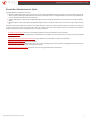
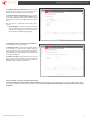
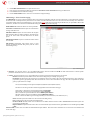
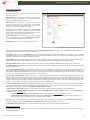
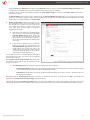
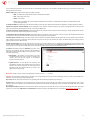
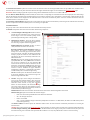
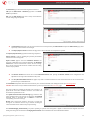
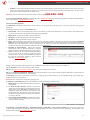
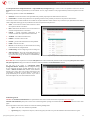
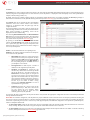
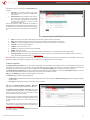
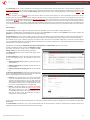
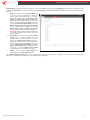
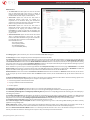
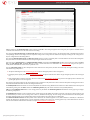
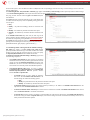
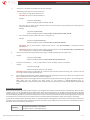
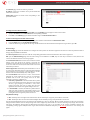
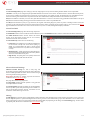
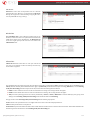
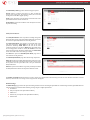
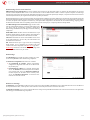
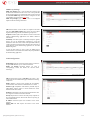
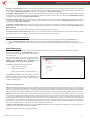
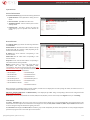
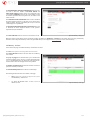
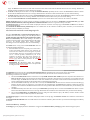
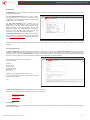
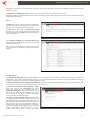
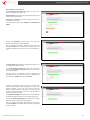
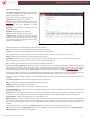
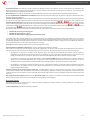
The Enable Call Reporting checkbox enables conference Call
History reporting. The selected number of statistics entries will be
displayed in the Conference Call History tables.
The Maximal Number of Displayed Conference Call Records
drop down lists are used to select the number of Conference Call,
Successful and Unsuccessful statistics entries to be displayed in the
corresponding Conference Call History tables. If the record
numbers exceed the numbers specified in these drop down lists, the
oldest record will be removed.
The Download All Call Detail Records link is used to download
the entire displayed statistics in a file that can be viewed with a
simple text editor. This type of conference Call History file is easyto-read and can be displayed in a spreadsheet.
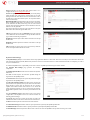
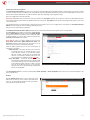
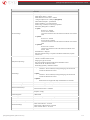
Fig.II- 255: Conference History - Settings page
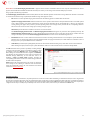
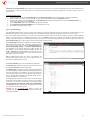
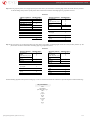
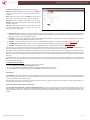
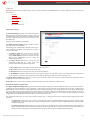
The Download All Call Detail Records in CSV format link is used to download the entire displayed conference Call History in a CSV (Comma-Separated
Values) formatted file.
The Clear all Records button is used to clear all conference Call History records.
When the number of Conference Call History entries exceeds the numbers specified in the Conference History - Settings page, the oldest entries are
being automatically deleted.
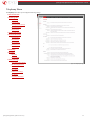
LAN/WAN
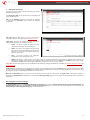
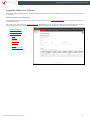
LAN and WAN Interface Statistics
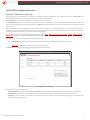
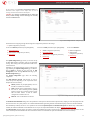
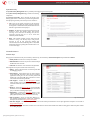
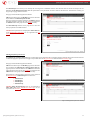
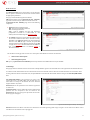
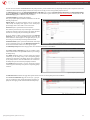
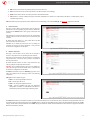
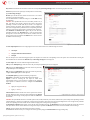
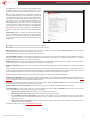
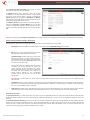
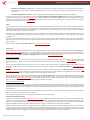
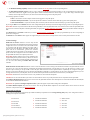
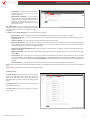
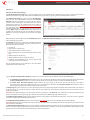
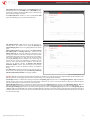
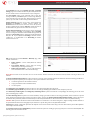
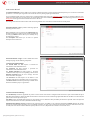
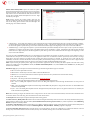
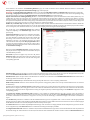
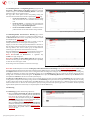
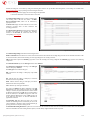
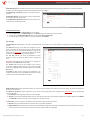
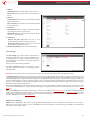
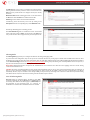
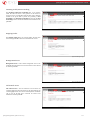
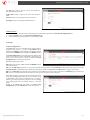
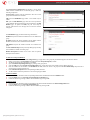
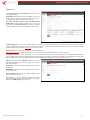
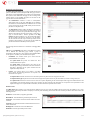
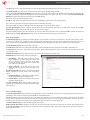
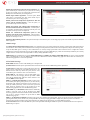
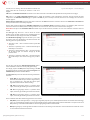
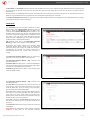
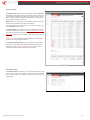
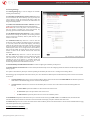
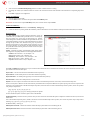
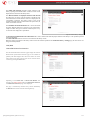
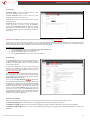
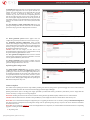
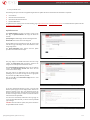
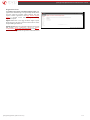
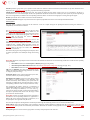
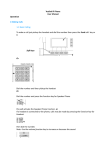
The LAN and WAN Interface Statistics pages display the LAN and
WAN statistics (LAN Interface Statistics page is not available for
Qx2000). The table displayed here shows the number of receive
and transmit events that occurred since the last resetting of the
counters by pressing the Clear button.
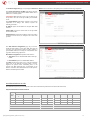
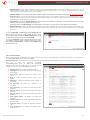
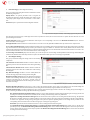
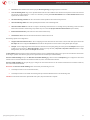
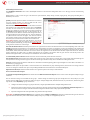
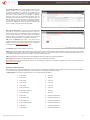
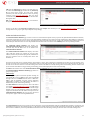
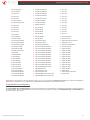
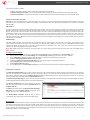
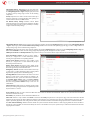
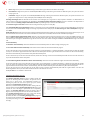
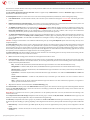
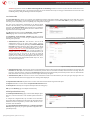
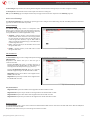
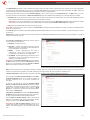
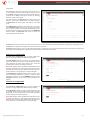
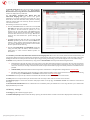
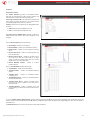
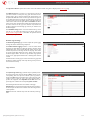
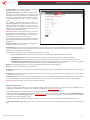
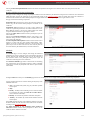
Depending on the Watch LAN or Watch WAN Monitor link
selected on the Network Status page, the LAN Interface Statistics
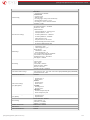
Fig.II- 256: lAN Interface Statistics page
or WAN Interface Statistics page will be diaplayed.
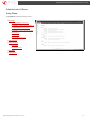
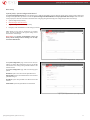
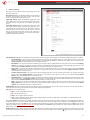
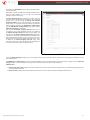
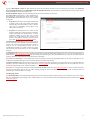
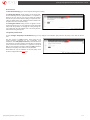
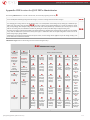
The page is automatically refreshed every minute. Additionally
the Refresh button allows to initiate refreshing directly.
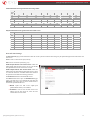
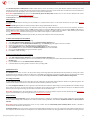
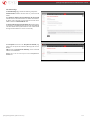
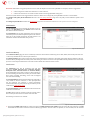
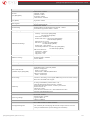
Fig.II- 257: WAN Interface Statistics page
QX50/QX200/QX2000; (SW Version 6.0.x)
157