1
EFIS Setup Menu
Other Settings & Calibration
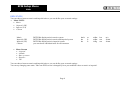
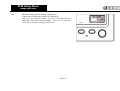
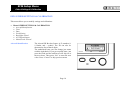
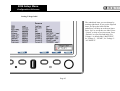
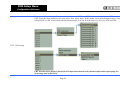
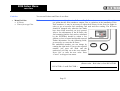
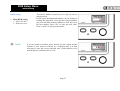
You can set the time. The underlined numbers
you can change just rotate with the right knob. If
you get required time, just press the knob and the
underscore will skip on to the next number. Then
press “Set” to enter the new value. Press
“Cancel” to skip previous menu.
Time
Date
NOTE:
Cancel
Set
Position
Cancel
Set
Position
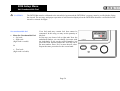
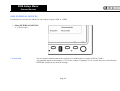
It is necessary to set UTC (Zulu time) on the INTEGRA Clock.
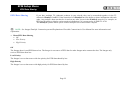
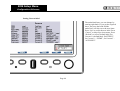
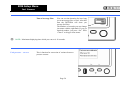
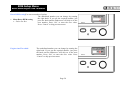
You can set the date. The underlined numbers
you can change just rotate with the right knob. If
you get required time, just press the knob and the
underscore will skip on to the next number. Then
press “Set” to enter the date. Please insert date in
the form of DD/MM/YY or day/month/year.
Press “Cancel” to skip previous menu.
Page 15