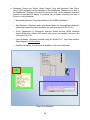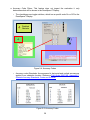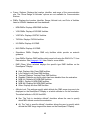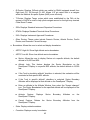
1
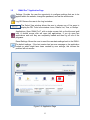
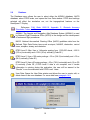
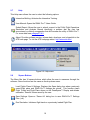
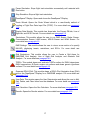
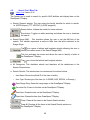
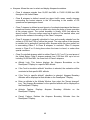
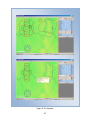
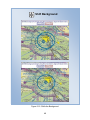
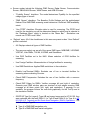
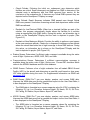
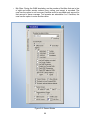
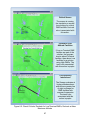
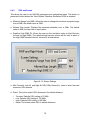
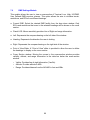
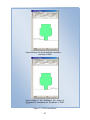
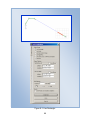
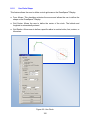
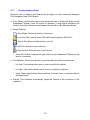
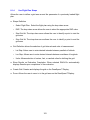
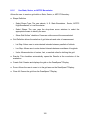
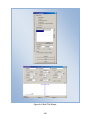
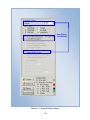
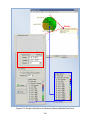
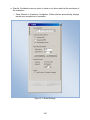
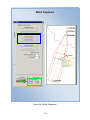
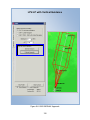
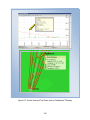
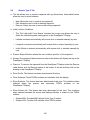
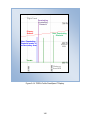
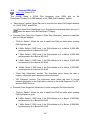
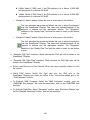
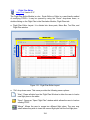
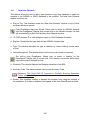
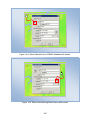
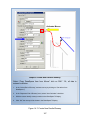
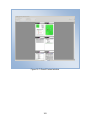
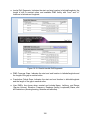
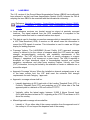
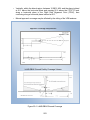
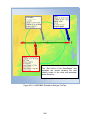
9 NMs: Select if, RNP Level 1, the PNA altitude is At or Above 10,000 MSL and airspeed is At or Above 250 KIAS. 10NMs: Select if, RNP Level 2, the PNA altitude is At or Above 10,000 MSL and airspeed is At or Above 250 KIAS. o “Waypoint 1 Name” window: Allows the user to enter name in the window. This icon activates the mouse and allows the user to select the waypoint from the DrawSpace™Display. The name and latitude/longitude of the waypoint is entered into the appropriate window. The “Waypoints” checkbox in the Display Data Tool must be select in order for this feature to work. o “Waypoint 2 Name” window: Allows the user to enter name in the window. This icon activates the mouse and allows the user to select the waypoint from the DrawSpace™Display. The name and latitude/longitude of the waypoint is entered into the appropriate window. The “Waypoints” checkbox in the Display Data Tool must be select in order for this feature to work. ● “Generate PNA Grid” checkbox: When selected the PNA grid will be drawn in the DrawSpace™Display. ● “Generate PNA Flight Plan” checkbox: When selected the PNA flight plan will be drawn in the DrawSpace™Display. ● Select Local Directory to Save Results: Allows the user to identify location to save the results. ● “Build PNA” button: Builds the flight plan and the PNA grid in the DrawSpace™Display and enters the lat/lon in the “non-uniform shape grid in the “Grid Evaluation” module. ● To Evaluate DME Coverage: Select the “DME Evaluation” module, open the “DME/DME Grid Analysis” tab, sets the parameters, and run the “DME/DME Grid Analysis.” ● To Evaluate Flight Plan: Select “Simulation” module, open “Simulation Settings” tab, set the “Baseline Simulation Profiles,” and run the simulation. 148