1
8.6.3
Change User Password
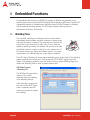
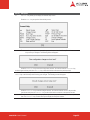
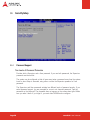
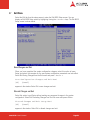
Select Change User Password from the Security Setup menu and press < Enter >.
Enter New Password:
Type the password and press < Enter >. The screen does not display the characters
entered. Retype the password as prompted and press < Enter >. If the password
confirmation is incorrect, an error message appears. The password is stored in NVRAM after
setup completes.
8.6.4
Clear User Password
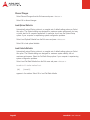
Select Clear User Password from the Security Setup menu and press < Enter >.
Clear New Password
[Ok] [Cancel]
Type the password and press < Enter >. The screen does not display the characters
entered. Retype the password as prompted and press < Enter >. If the password
confirmation is incorrect, an error message appears. The password is stored in NVRAM after
setup completes.
Page 60
nanoX-ML User’s Manual