1
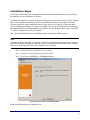
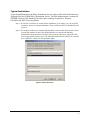
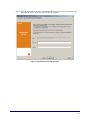
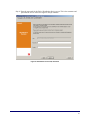
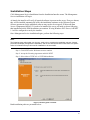
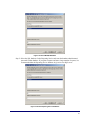
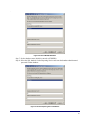
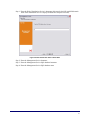
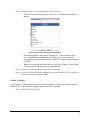
Step 2: Select the users/groups granted the Publish permission from the drop-down list.
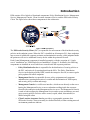
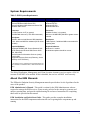
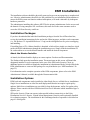
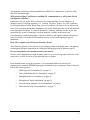
Figure 33: Publish To Settings
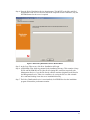
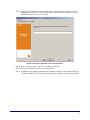
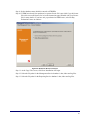
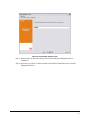
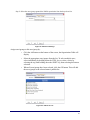
Assign users/groups to this user/group by:
•
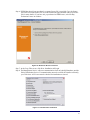
Click the Add button on the bottom of the screen, the Organization Table will
display.
•
Select the appropriate users/groups from the list. To select multiple users,
select individually by holding down the CTRL key, or select a series by
selecting the top, then holding down the SHIFT key, then selecting the bottom
selection.
•
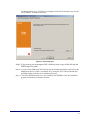
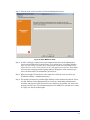
When all users/groups have been selected, click the OK button. This will add
the users/groups to the selected name's publish list.
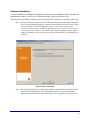
Figure 34: Publish To List
48