1
Installation Guide
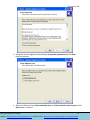
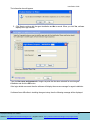
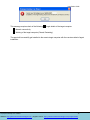
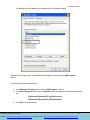
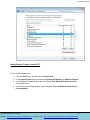
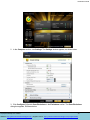
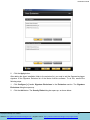
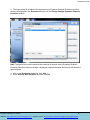
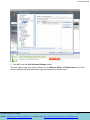
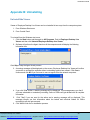
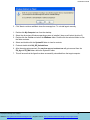
3. The Viewer file gets added as an Exception Item under User-defined Exceptions tab.
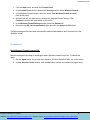
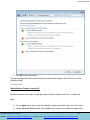
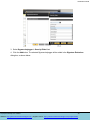
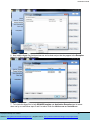
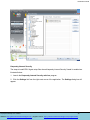
4. Now, click Add and one by one select Security Risk Exception, SONAR Exception and
Application Exception respectively, followed by File.
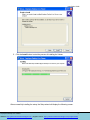
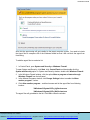
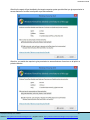
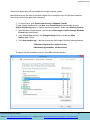
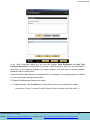
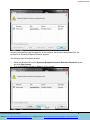
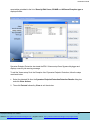
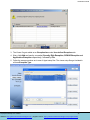
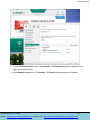
5. Follow the same procedures as in case of Agent setup files. The viewer setup files get included in
all three Exception Type:
Employee Desktop Live Viewer
45
Website: http://www.nucleustechnologies.com | Support Center: http://www.nucleustechnologies.com/supportdesk/