1
GHI Electronics,LLC
G120 SoM User Manual
The GHI Boot Loader
5.4. TinyCLR (firmware) Update Using FEZ Config
1. Connect the G120 Module to the PC.
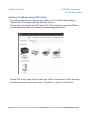
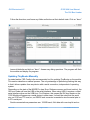
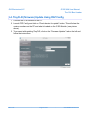
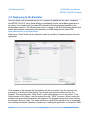
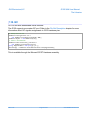
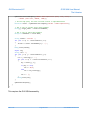
2. Launch FEZ Config and click on “Check device for update” button. This will show the
version numbers on the PC and what is loaded on the G120 Module. (see picture
above)
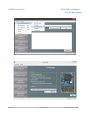
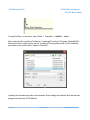
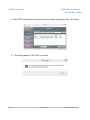
3. To proceed with updating TinyCLR, click on the “Firmware Updater” tab on the left and
follow the instructions.
Rev. 0.04
Page 21 of 67
www.GHIElectronics.com