1
VX7022
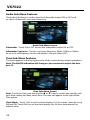
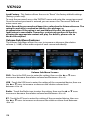
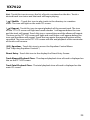
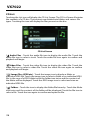
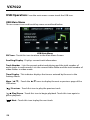
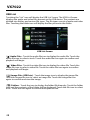
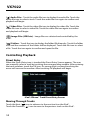
Illumination - Customize the front panel illumination. Touch to change the
illumination color. Select a color or touch Custom > Adjust to select the color
palette.
UI Color - Touch green, red, amber, blue or purple to select the user
interface color. Touch again to confirm and set the color.
Demo - Touch ON or OFF to turn the demonstration mode ON or OFF. The factory
default setting is ON.
21