1
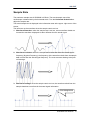
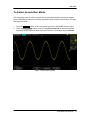
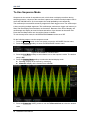
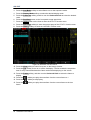
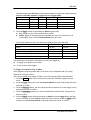
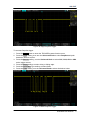
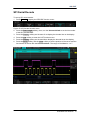
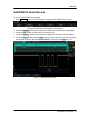
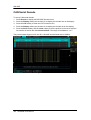
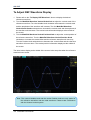
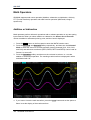
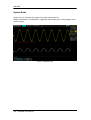
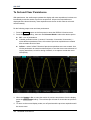
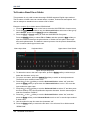
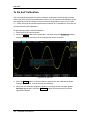
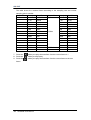
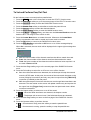
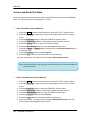
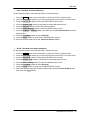
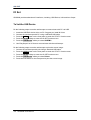
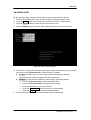
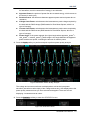
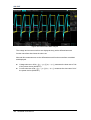
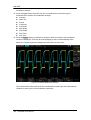
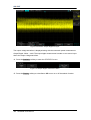
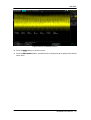
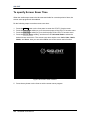
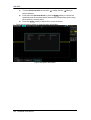
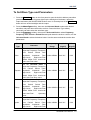
SIGLENT To display a FFT waveform: 1. Press the Math button on the front panel to open the MATH function menu. 2. Press the Operation softkey and then turn the Universal Knob to select FFT. The resulting math waveform is displayed in white and labeled with “M”. 3. Press the Source softkey, and then turn the Universal Knob to select the source to do FFT operation. Analog channels (CH1, CH2, CH3, and CH4) and reference waveforms (REFA, REFB, REFC and REFD) can be used as the source. 4. Press the Window softkey, and then turn the Universal Knob to select an appropriate window. Spectral leakage can be considerably decreased when a window function is used. SDS2000 provides four kinds of FFT window functions which have different characteristics and are applicable to measure different waveforms. You need to select the window function according to different waveforms and their characteristics. Please read the table below carefully to make a appropriate option according to the input signal. Window Characteristics Measurement Rectangle The best frequency resolution; the poorest amplitude resolution; similar to the situation when no window is multiplied. Transient or short pulse, the signal levels before and after the multiplication are the basically the same; Sine waveform with the same amplitude and rather similar frequencies; Wide band random noise with relatively slowly changing waveform spectrum. Hanning Better frequency resolution; poorer amplitude resolution. Sine, periodic and narrow band random noise. Hamming A litter bit better frequency resolution than Hanning. Transient or short pulse, the signal levels before and after the multiplication are rather different. Blackman The best amplitude Single frequency signal, search for resolution; the poorest higher order harmonics. frequency resolution. 5. Press the FFT Zoom softkey, and then turn the Universal Knob or turn the horizontal scale knob to select the desired magnifying multiple (1X, 2X, 5X, 10X). Set the FFT Zoom to an appropriate magnifying multiple to observe more details of the FFT waveform. 6. Press the Scale softkey to select the unit of vertical axis. The unit of the vertical axis can be dB or Vrms which use logarithmic mode and linear mode to display vertical amplitude respectively. If you need to display the FFT frequency spectrum in a relatively larger dynamic range, dBVrms is recommended. 7. Press the Display softkey to select Split or Full Screen display mode. Split: the source channel and the FFT operation results are displayed separately. The time domain and frequency domain signals are displayed clearly SDS2000 User Manual 123