1
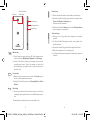
Enter the number you want from the dialpad directly or select a
contact from People or Call log by touching tabs, then touch
to place the call.
3.1.2
Answering or rejecting a call
The number you entered can be saved to People by touching
key and selecting Add to contacts.
If you make a mistake, you can delete the incorrect digits by
touching
.
To hang up a call, touch
.
International call
To dial an international call, touch and hold
to enter "+", then
enter the international country prefix followed by the full phone
number and finally touch .
Emergency call
If your phone has network coverage, dial emergency number and
to make an emergency call. This works even without a
touch
SIM card and without typing the PIN code.
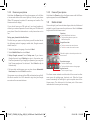
When you receive a call, touch
.
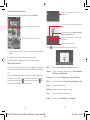
• Slide the icon right to answer the call;
• Slide the icon left to reject the call;
• Slide the icon up to reject the call by sending a preset
message.
To mute incoming calls, press the Volume up/down key
directly.
3.1.3
Calling your voicemail
Your voicemail is provided by your network to avoid missing
calls. It works like an answering machine that you can consult
at any time.
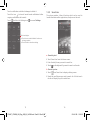
To access your voicemail, touch and hold
To set your voicemail number, touch
Voice call > Voicemail.
on Phone tab.
key and touch Settings >
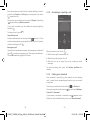
If you receive a voicemail, a voicemail icon
appears on the
Status bar. Open the Notification panel, touch New voicemail.
23
IP4907_VF985N_UM_Eng_GB_09_140528.indd Sec2:23-Sec2:24
24
2014-5-28 15:05:02