1
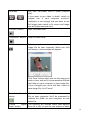
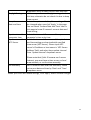
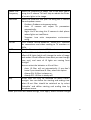
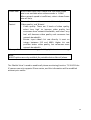
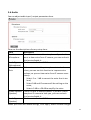
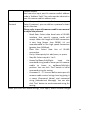
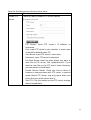
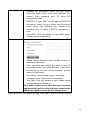
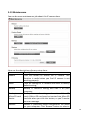
Frame Rate Select video frame rate. Please note that some frame
rate is not available when video encoder is ‘H.264’.
When network speed is insufficient, select a lower frame
rate will help.
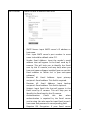
Rate
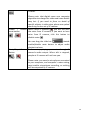
Select video bit rate. You can control bit rate by both
Control
‘Video quality’ and ‘Bitrate’:
- Video quality: There are 5 levels of video quality,
select ‘very high’ to improve video quality but
consumes more network bandwidth, and select ‘very
low’ will decrease video quality and consumes less
network bandwidth.
- Bitrate: Input video’s bit rate directly. It must an
integer between 512 and 4000. Higher bit rate
provides better video quality, but consumes more
network bandwidth.
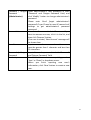
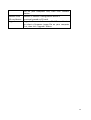
When you finish with above settings, click ‘Apply’ button to save changes.
Note:
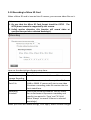
MJPEG options are only available for portable devices like cell phone.
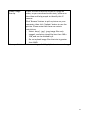
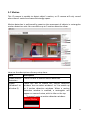
The ‘Mobile View’ is used to enable cell phone monitoring function. Till Yr2011 the
IP camera can only supports iPhone series, and this information will be modified
without prior notice.
39