1
QuickStart_IDEA.fm Page 21 Friday, July 30, 1999 7:33 PM
IDEA Quick Start Guide
Describing the project
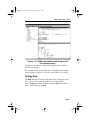
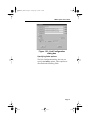
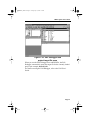
The Project Description component lets you specify a short
description for the project.
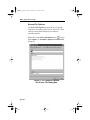
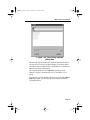
To specify a description for the project, click on the Project
Description icon . A text cursor appears to the right of the icon.
Click on the text cursor to open a text box and enter a short project
description.
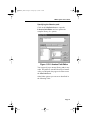
Naming the project target file
The Project Target File Name component lets you specify a target
file name for the project (for example, demo12.h12). This name is
used as the root name for the linked executable.
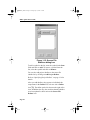
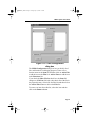
To specify a project target file name, click on the Project Target File
Name icon
.
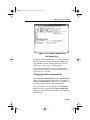
A text cursor appears to the right of the icon. Click on the text cursor
to open a text box and enter a target file name. Be sure to include the
target file name extension; for example, “.h12” for the Cosmic
68HC12 compiler.
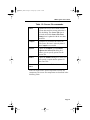
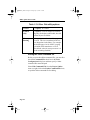
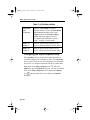
Right click on the Project Target File Name icon to view a menu
containing target file commands. These commands are shown in the
following Table.
Page 21