1
NOTES
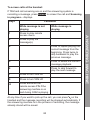
1. To use this option, the room monitor should be diverted to an
external destination number, and the destination phone must
support tone dialling.
2. With this option to deactivate the room monitor, there will be no
further room monitor calls, but the other settings (e.g. no ringtone
for incoming call) will remain activated until you turn it off with the
other two options above.
10.9
Reset the Handset
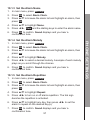
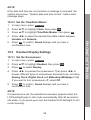
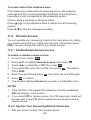
1. In main menu, press Settings.
2. Press ▲/▼ to highlight Handset, then press OK.
3. Press ▲/▼ to highlight Reset Handset, then press OK.
4. Press the dialling keys to enter the 4-digit system PIN, then press
OK. The default PIN is 0000.
5. The handset displays Reset Handset to default?. Press Yes to
confirm.
6. The handset will be reset to default settings.
10.10
Base Settings
10.10.1 Ringer Settings
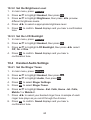
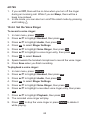
To set the ringer tones:
1. In main menu, press Settings.
2. Press ▲/▼ to highlight Base, then press OK.
3. Press OK to select Ringer.
4. Press ◄/► to select your desired ringer tone. A sample of
each tone plays as you scroll through the choices. (A total of 10
melodies are provided for base ringer.)
5. Press OK to confirm. Saved displays and you hear a confirmation
tone.
68