1
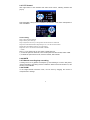
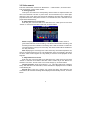
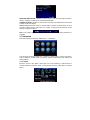
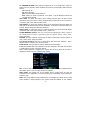
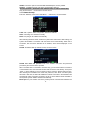
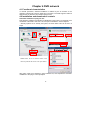
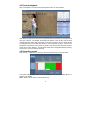
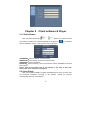
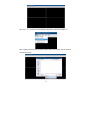
Click “Enter” to enter the main screen of the router, as shown below:
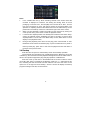
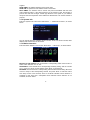
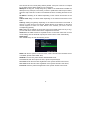
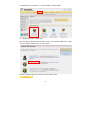
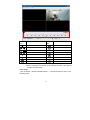
Click “Applications& Gaming ”, as shown below:
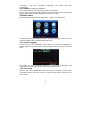
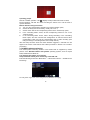
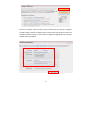
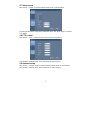
As shown above, fill in the IP and the port number in the corresponding files, and select
“Both” in [Protocol]. The tick below [Enable] denotes “selected”. After setup, click “Save
Setting” to save the settings.
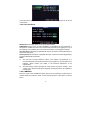
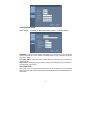
80 stands for the WEB port, 9000 for the media port and 15961 for the mobile phone
port. All these ports can be modified in the menu, please check the ports on the DVR.
28