1
BlomURBEX™
Plug-in for MapInfo
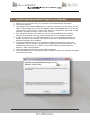
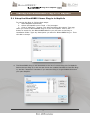
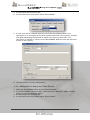
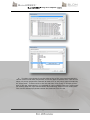
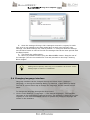
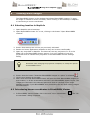
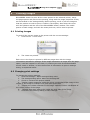
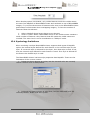
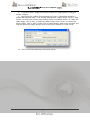
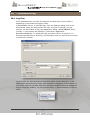
3. In the dialog select General tab.
4. In the Data Source drop down select “BlomURBEX”.
5. In the “User token” textbox type the UserToken provided by Blom. This
UserToken is an encrypted string that authenticates each user request. Contact
with Blom Marketing Department to obtain the required UserToken. The
UserToken is needed to connect to the BlomURBEX Web Services and allow the
access to the imagery.
6. Click OK button to finish configuration.
5.2.2 Adding Blom Library as a Data Source
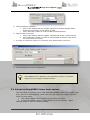
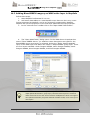
1. Open the BlomURBEX Viewer as previously indicated.
2. In the BlomURBEX Viewer toolbar, select the menu Settings > Open settings
dialog, to open the Settings dialog.
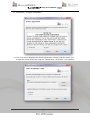
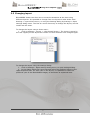
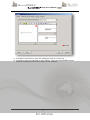
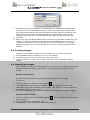
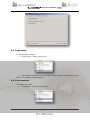
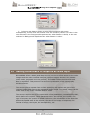
3. In the dialog select General tab.
4. In the Data Source drop down select “Blom Library”.
14



















![Intergraph Geomedia [6.1-2013] User manual](http://vs1.manualzilla.com/store/data/005689587_1-58c82d14f3ba8ebe92b5c45af00d079c-150x150.png)

![Autocad [2007-2009] User manual](http://vs1.manualzilla.com/store/data/005776291_1-e398978f20775312922048f8d5b8f7a5-150x150.png)
![ArcMap [v10.0- v.10.2] User manual](http://vs1.manualzilla.com/store/data/005724954_1-1f5d2da94c774511c91b8b97dbbbcd93-150x150.png)
![Autodesk MAP [2007-2009] User manual](http://vs1.manualzilla.com/store/data/005814944_1-7d4ade0f748ad8f526e057550ef902e1-150x150.png)