1
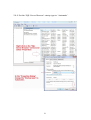
6.2.2. Current position
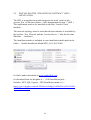
6.2.3. Text to Video correlation.
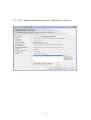
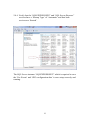
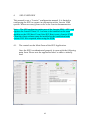
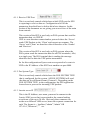
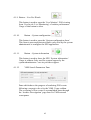
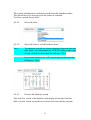
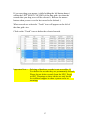
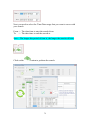
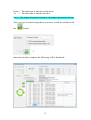
There are various parameters that you can set by tick boxes to change
how the current data grid item is displayed on the video.
These are selected by the tick boxes as shown above.
The description next to the tick box describes the function.
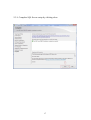
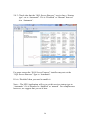
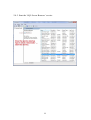
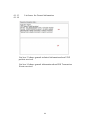
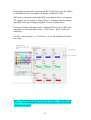
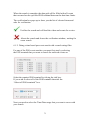
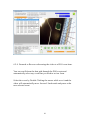
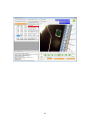
From the image following on the next page you can see that the current
Item viewing is ‘gray lighted’ , and, it is showing in the centre of the
data grid as per the selection.
80