1
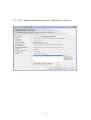
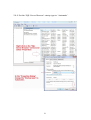
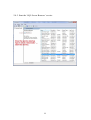
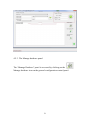
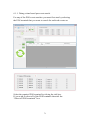
Registering an external event pane on the VMS allows you the ability
to send data to this event pane for display within the VMS.
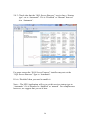
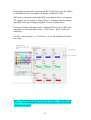
SPG uses event panes and sends POS event data to these event panes.
We register an event pane to always have 3 columns with the names
specified in the pre-ceding paragraph. ( Event column titles )
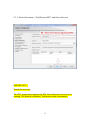
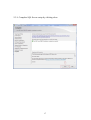
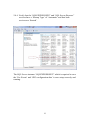
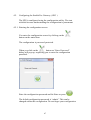
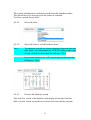
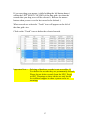
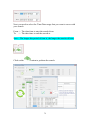
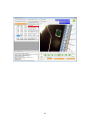
Each one of these columns can be configured here to have different
attributes. i.e. Background Colour , Text Colour , Bold , Italic and
underline.
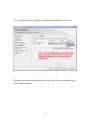
Use the ‘Colour picker’ or ‘Tick boxes’ to set the attributes for each
row type.
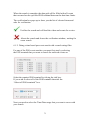
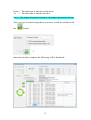
Note :- The row types are pre-defined for “Events”, “Warnings” and
“Errors”. We recommend that you use the attributes as shown in the
configuration figure.
62