1
4.1
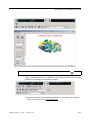
Campaign in Preview mode (only one contact presented)
4.1.1
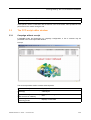
Asking for a contact to be presented.
Prerequisites:
The campaign must have been launched and the
button displayed in the CCA activity
window.
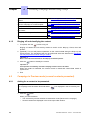
1. Click the
button.
When you click the button:
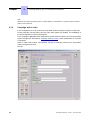
• The CCA activity window switches to reservation mode (Reserved for campaign).
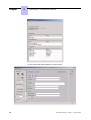
• The contact record is displayed.
2. End.
4.1.2
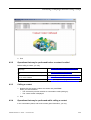
Operations that may be performed before the contact is called
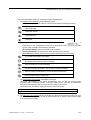
Before making the call, you may:
Remove the contact from the campaign
See Removing the contact from the campaign
Reject the contact presented
See Rejecting the contact presented
Complete or modify the contact's data
See Completing or modifying the contact's data
Ask to view all directory numbers saved for See Viewing all directory numbers saved for the
the contact
contact
4.1.3
Calling the contact.
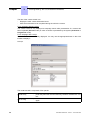
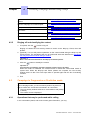
1. Press the Enter key on the keyboard if a single call number is displayed in the [Contact
list] panel. If you asked to view all the contact's directory numbers, you may select a
number to call the contact.
Principle:
a. Select the new directory number from the drop-down menu in the [Call list] field.
b. Press the Enter key on the keyboard to call the contact at this new number.
c. End of the procedure.
The CCA activity window switches to conversation mode (talking to).
2. End.
4.1.4
Operations that may be performed while calling a contact
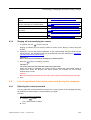
In the conversation phase, and as the contact gives information, you may:
4-1