1
Adding a New Project:
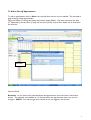
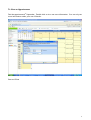
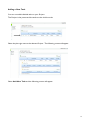
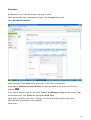
Select Manage Projects from the left hand navigation bar.
Select Add New Project.
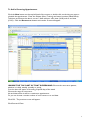
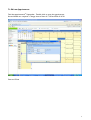
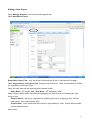
Enter the Project Title – Key words that will identify the Project - Recruitment Campaign.
Select Organisation and Project Type using the drop down lists. These should default to SCMA
for organisation and Project Type 1.
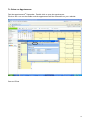
Select the start date and due dates using the calendar button
Start Date = 25th August 2008 Due Date = 29th September 2008
Select a Project Admin and Project Staff by highlighting the staff member and selecting the right
facing arrows.
Project Admin – person(s) responsible for updating the project, assigning project staff and
adding tasks. This would include YOU.
Project Staff – other SCMA staff who will have responsibility for tasks. Project Admin should
include themselves here.
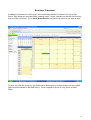
Select Insert.
15